Minimalist Mobile App Icon Concepts in Four Styles
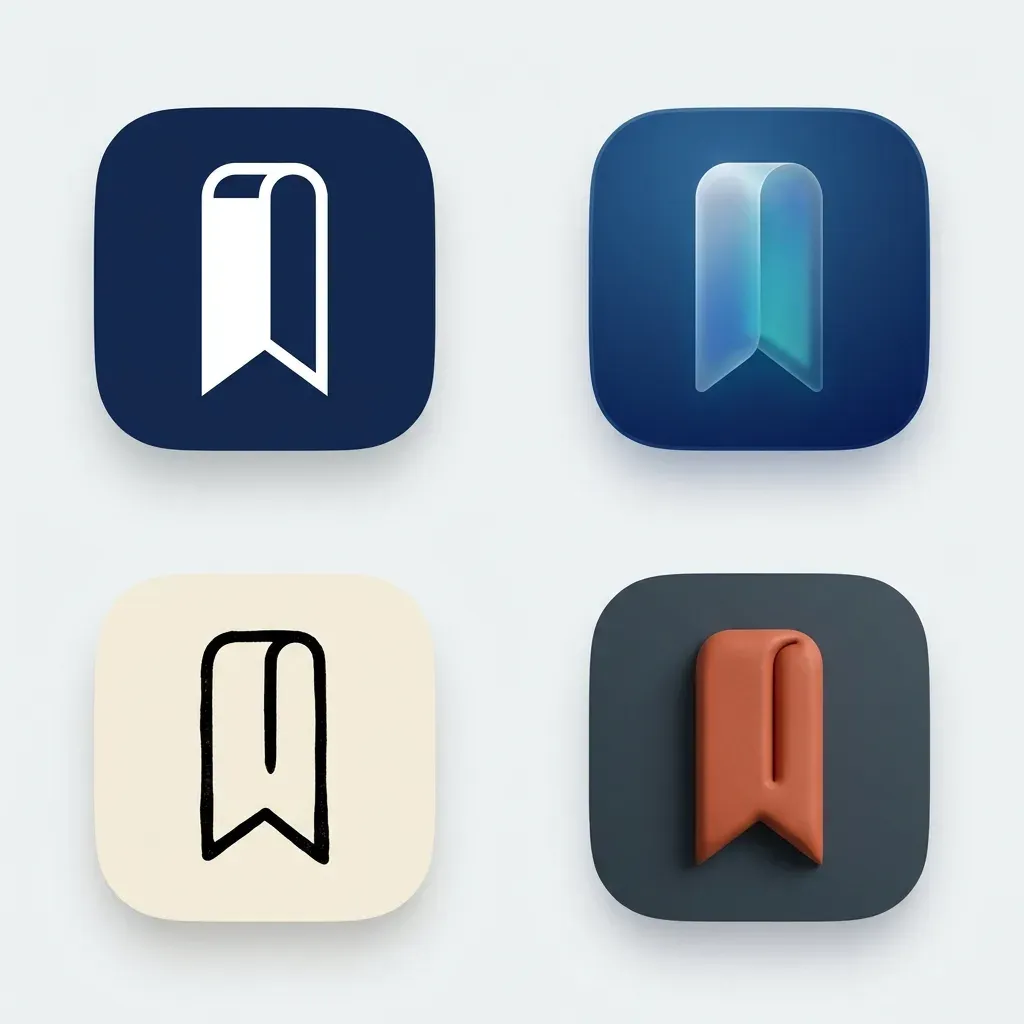
Produces a 2x2 grid of four distinct rounded-square mobile app icon directions for your product, cleanly spaced for side-by-side comparison.
The prompt
Create a clean 2x2 presentation sheet showing four minimalist mobile app icon concepts for a daily reading tracker featuring an open bookmark ribbon (example value for {app category and symbol}). Each icon sits inside an identical rounded-square squircle tile centred in its quadrant on a neutral light-grey presentation backdrop, with generous whitespace between tiles. Top-left: flat geometric vector mark on a deep navy tile. Top-right: soft glassmorphism icon with subtle layered translucency. Bottom-left: crisp monochrome emblem on warm cream. Bottom-right: bold tactile 3D icon with gentle top-left studio lighting. High contrast, razor-sharp edges, legible at small home-screen sizes. Square, 1:1.
Constraints: single simple symbol per icon; no text, letters, numbers, notifications badges or watermarks.
Dashed parts are example values, so the prompt runs as copied. Change them in Fill in the blanks.
Tips and common edits
Why this works
- Testing four distinct material treatments (flat, glass, monochrome, 3D) in one 2x2 grid saves iterations before you commit to a direction.
- Placing every concept inside an identical rounded-square squircle previews how the mark sits on a real phone home screen.
- Forbidding letters and badges forces clean silhouette recognition even at tiny dock sizes.
Paste into Gemini (Nano Banana 2.1) or ChatGPT image generation to explore four visual directions in one call, then ask for your favourite tile full-size. Common failure: overly intricate emblems—describe one clear shape like a compass needle or folded leaf.
Common edits
- Change the backdrop to dark charcoal (`#121417`) to check how all four icon concepts pop in dark mode.
- Once you pick a quadrant, follow up in Gemini with 'Generate only the bottom-right icon filling the full square canvas.'
Prompt details
- By
- Prompts-GPT editors
- Published
Did this prompt work?
Keep exploring
More like this
Brainstorm product and feature names with positioning rationale
Generate distinct, memorable product or feature name candidates paired with brand positioning and potential trademark or cultural risks.
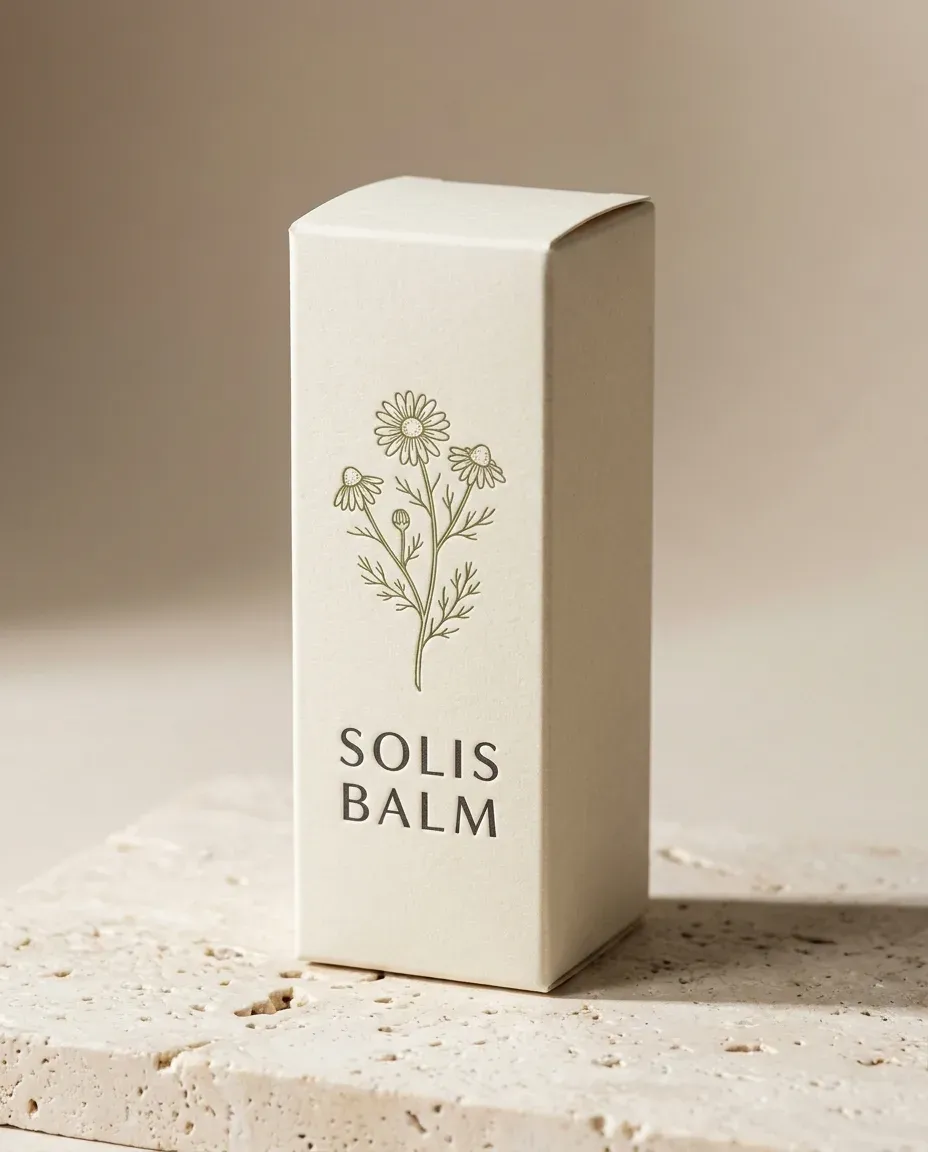
3D Product Packaging Box Mockup From Your Flat Label Design
Wraps your uploaded flat packaging artwork onto a realistic matte cardboard product box photographed in clean commercial studio light.
Structured Design Critique and Feedback Framework
Get an objective, structured critique of your UI design that highlights specific observations, technical trade-offs, and actionable priority revisions.

Four-Person Editorial Group Photo From Separate Portraits
Combines up to four separate uploaded portraits into one cohesive golden-hour rooftop editorial group shot while keeping every face distinct.
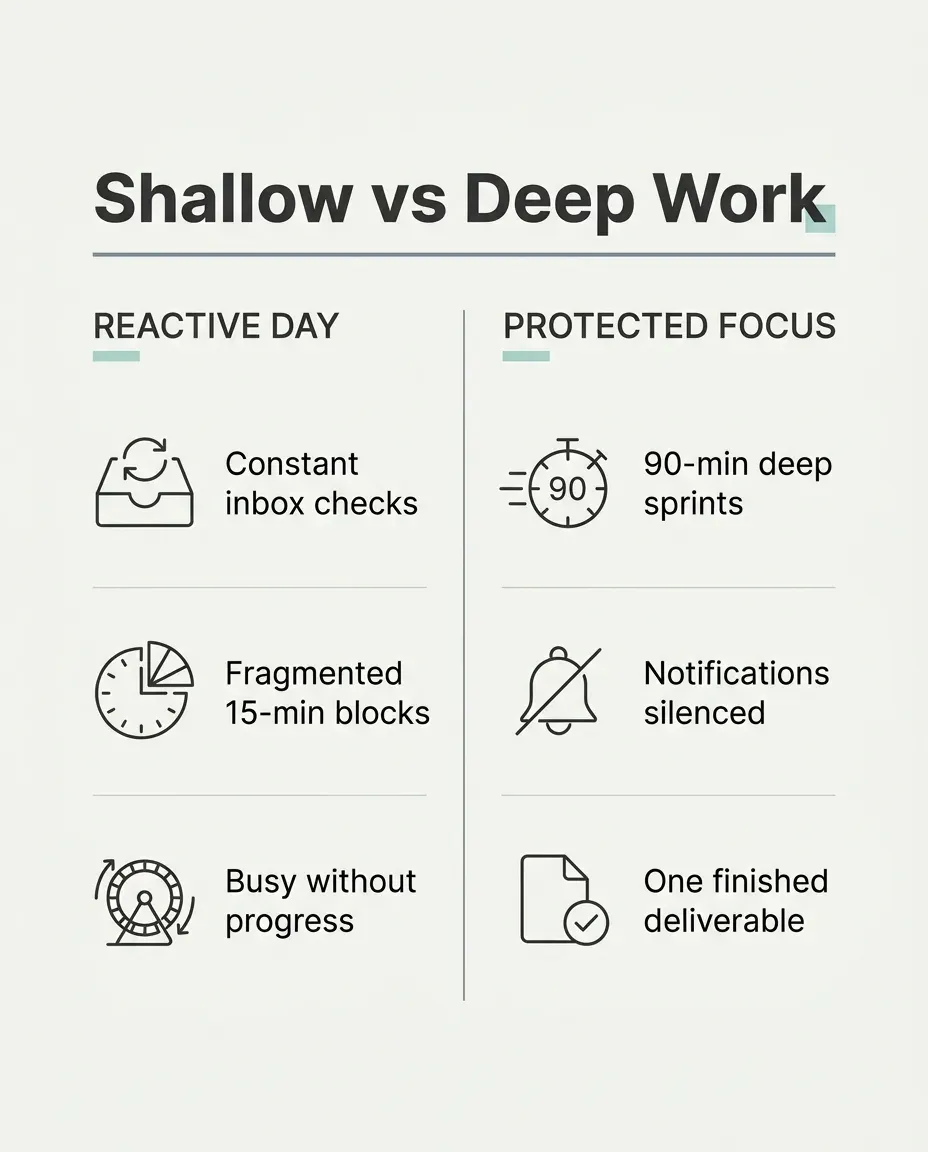
Minimalist Comparison Infographic Slide for LinkedIn or X
Creates a crisp, Swiss-grid two-column comparison graphic with legible sans-serif typography ready to drop straight into a social post.
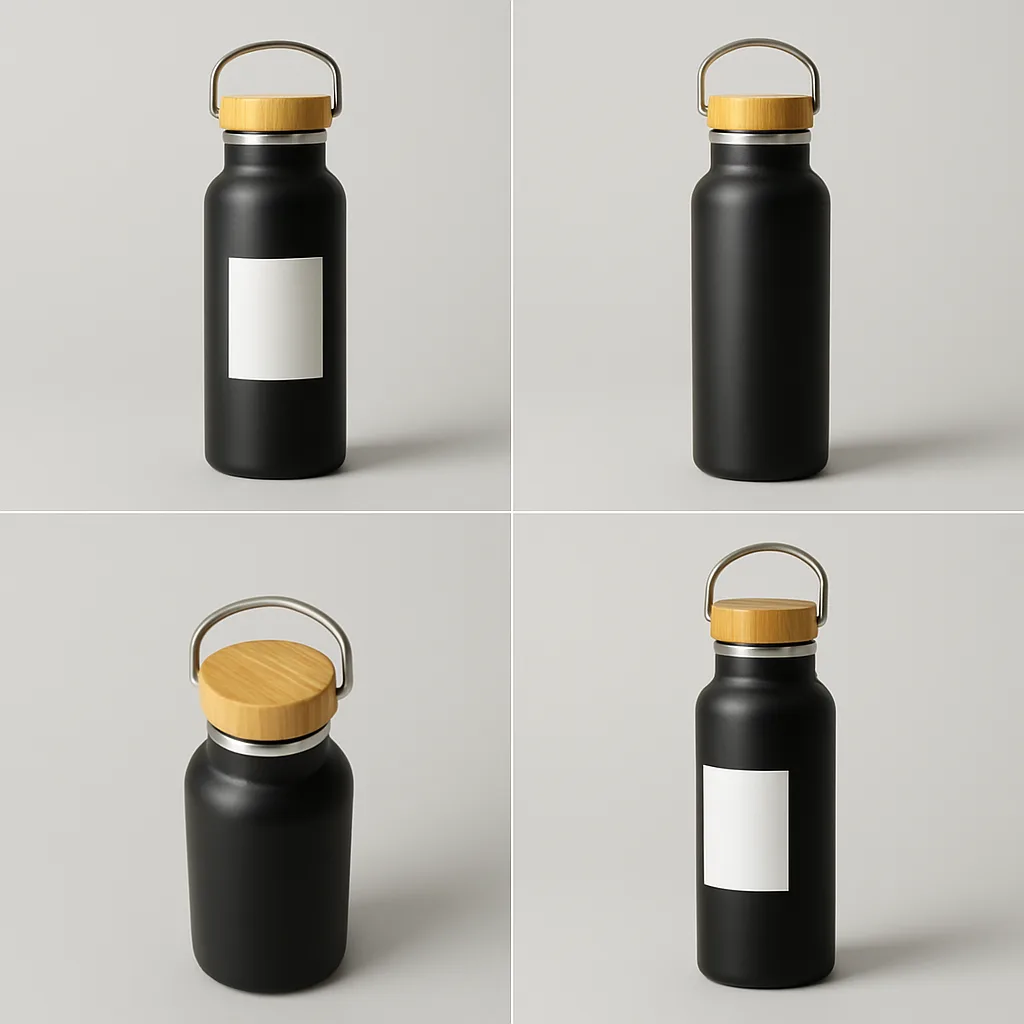
Change the Camera Angle of Your Product Photo
Generates new views of your product (top-down, side, three-quarter) from a single photo, keeping its design and label consistent.