Four-Person Editorial Group Photo From Separate Portraits
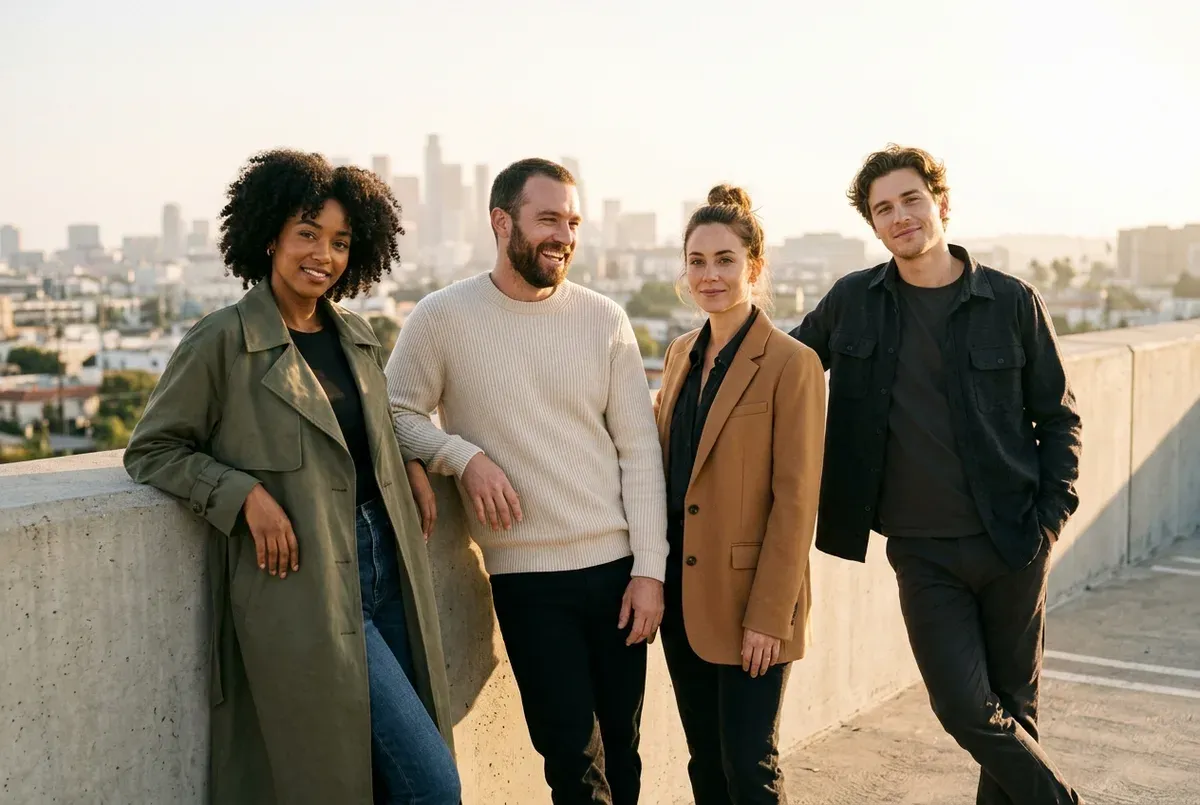
Combines up to four separate uploaded portraits into one cohesive golden-hour rooftop editorial group shot while keeping every face distinct.
The prompt
Use the four uploaded reference portraits. Create one cohesive fashion-editorial group photograph of all four people standing and leaning naturally together along a sunlit concrete rooftop terrace overlooking a soft city skyline. Give them coordinated modern casual outfits in olive green, cream, charcoal and warm camel (example value for {wardrobe palette}), with natural relaxed postures and genuine eye contact toward the camera. Warm golden-hour side light casting matching soft shadows across all four people so they clearly belong in the same moment and lens. Shot on a 50mm lens at eye level, crisp focus across every face, subtle 35mm film grain, rich natural colours. Landscape, 3:2.
Constraints: preserve each of the four individuals' exact face, identity, hair, skin tone and height proportions distinctly without blending features; no text or watermarks.
Dashed parts are example values, so the prompt runs as copied. Change them in Fill in the blanks.
Tips and common edits
Why this works
- Shared golden-hour side lighting and matching cast shadows bind separate source photos into one believable frame.
- Coordinating one wardrobe palette stops clashing colours from exposing that the portraits came from different days.
- Explicitly banning feature blending tells Nano Banana 2.1 to lock each face to its own reference slot.
Upload 3 or 4 individual clear portraits in one Gemini (Nano Banana 2.1) chat, which natively supports up to 4 consistent characters in a single request. Common failure: two faces partially merging—label each upload ('Person 1 on far left, Person 2 next to them...') when you send the message.
Common edits
- Label each uploaded photo in your message ('Image 1: left, Image 2: centre-left...') for tighter control over who stands where.
- Swap the sunlit rooftop for a cozy living room, autumn park path or beach boardwalk for family or team photos.
Prompt details
- By
- Prompts-GPT editors
- Published
Did this prompt work?
Keep exploring
More like this

Blend Two Separate Photos Into One Natural Group Shot
Combines people from two separate photos into one believable group shot, with matched lighting, scale, shadows and grain, so nobody looks pasted in.

Keep the Same Character Across a Four-Scene Story
Uses one reference photo or character to make four consistent scenes in a grid, with the same face, outfit and style in each frame.
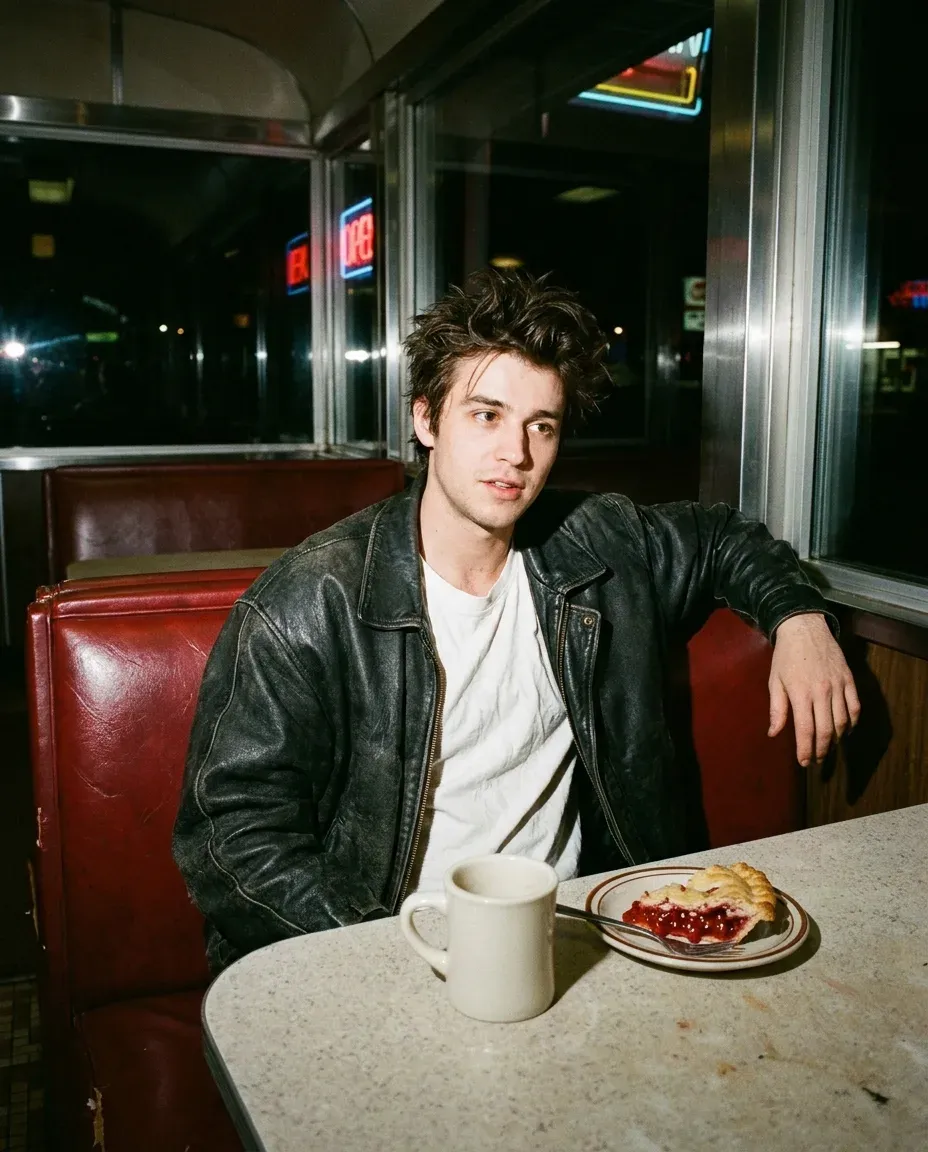
1990s Late-Night Diner Hard-Flash Portrait From Your Photo
Turns your selfie into a candid 1990s 35mm flash snapshot sitting in a vinyl diner booth at night, complete with rich film grain and natural flash shadows.
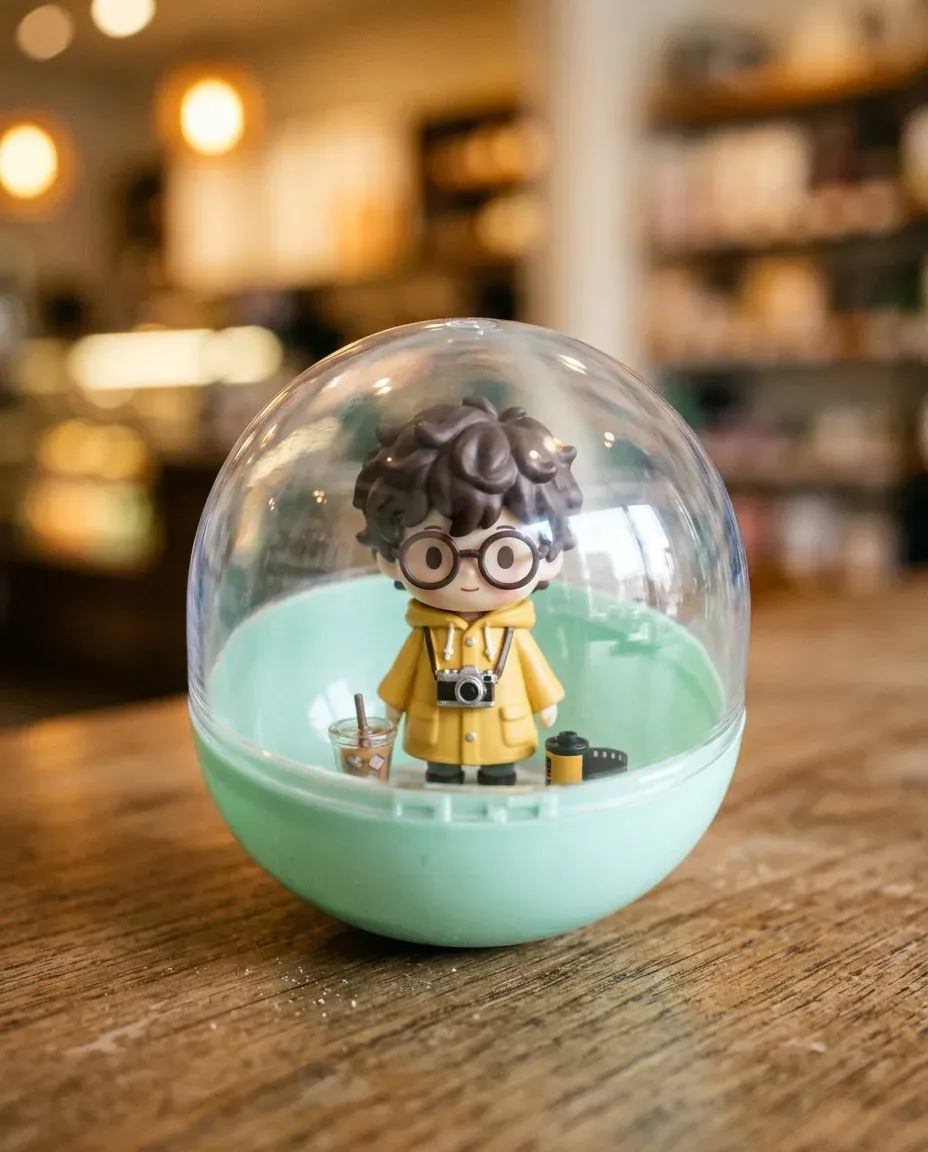
Gashapon Capsule Toy Figurine From Your Photo
Turns your uploaded photo into a miniature chibi vinyl figurine sealed inside a clear Japanese-style gashapon capsule surrounded by tiny props.

Passport and ID Photo From a Casual Selfie
Turns a casual front-facing selfie into a clean, evenly lit ID-style portrait on a plain off-white background with neutral shoulders-up framing.

Remove Glare From Glasses in a Portrait Photo
Cleans distracting white screen reflections and bright glare off eyeglasses while keeping the person's real eyes, frames and background intact.
- Turn a Daytime House Photo Into a Twilight Real-Estate Shot
- Vintage Engraved Postage Stamp Illustration From a Photo
- Change Only the Lighting of Your Photo to Golden Hour
- Hard-Flash Editorial Studio Portrait on a Red Backdrop
- Put Your Pet Into Your Family Photo
- Remove Strangers From the Background of a Travel Photo