AI-generated example
Ecommerce Product Photo on a Studio Paper Sweep
Turns a phone snapshot of your product into a clean catalogue photo on a studio paper sweep with soft studio light and a natural shadow, ready for a store listing.
Product photo prompts for online shops and small brands: a clean catalogue shot on a paper sweep, a styled lifestyle scene, a flat lay, a splash ad or a sale banner with room for your text.
14 prompts · Updated
| Prompt | What you get | Use |
|---|---|---|
| Ecommerce Product Photo on a Studio Paper Sweep | Turns a phone snapshot of your product into a clean catalogue photo on a studio paper sweep with soft studio light and a natural shadow, ready for a store listing. | Image |
| Holiday Product Hero Shot | Creates a cozy premium holiday product photo on a knit blanket with pine, cinnamon and warm fairy-light bokeh, with no logos. | Image |
| Skincare Bottle on Wet Stone With Water Ripples | Shows your skincare or beauty product on dark wet stone with gentle water ripples and soft light, like a premium beauty ad. | Image |
| High-Speed Liquid Splash Product Ad | Creates a high-speed splash ad image for a beverage or skincare product, with ingredients flying outward and no logos. | Image |
| Floating Product on a Pastel Pedestal | Puts your product on a floating pastel pedestal with soft shadows and simple geometric shapes, for a clean, modern ad or store image. | Image |
| Instagram Product Flat Lay for a Small Brand | Generates a styled top-down flat lay of your product with props, colour palette and space for text, ready for an Instagram feed post or ad. | Image |
| Lifestyle Product Shot in a Styled Scene | Puts your product into a believable, styled real-world scene with props and daylight, the kind of lifestyle image used on product pages and social ads. | Image |
| Phone-Shot UGC Photo of Your Product in Hand | Creates a casual, real-looking photo of someone holding your product in daily life, like a customer post rather than a studio ad. | Image |
| Black Friday Product Banner With Empty Space for Your Text | Makes a bold Black Friday sale banner image with your product on a dark, glossy set and clear empty space where you add your own offer text. | Image |
| Change the Camera Angle of Your Product Photo | Generates new views of your product (top-down, side, three-quarter) from a single photo, keeping its design and label consistent. | Image |
Turns a phone snapshot of your product into a clean catalogue photo on a studio paper sweep with soft studio light and a natural shadow, ready for a store listing.

Creates a cozy premium holiday product photo on a knit blanket with pine, cinnamon and warm fairy-light bokeh, with no logos.
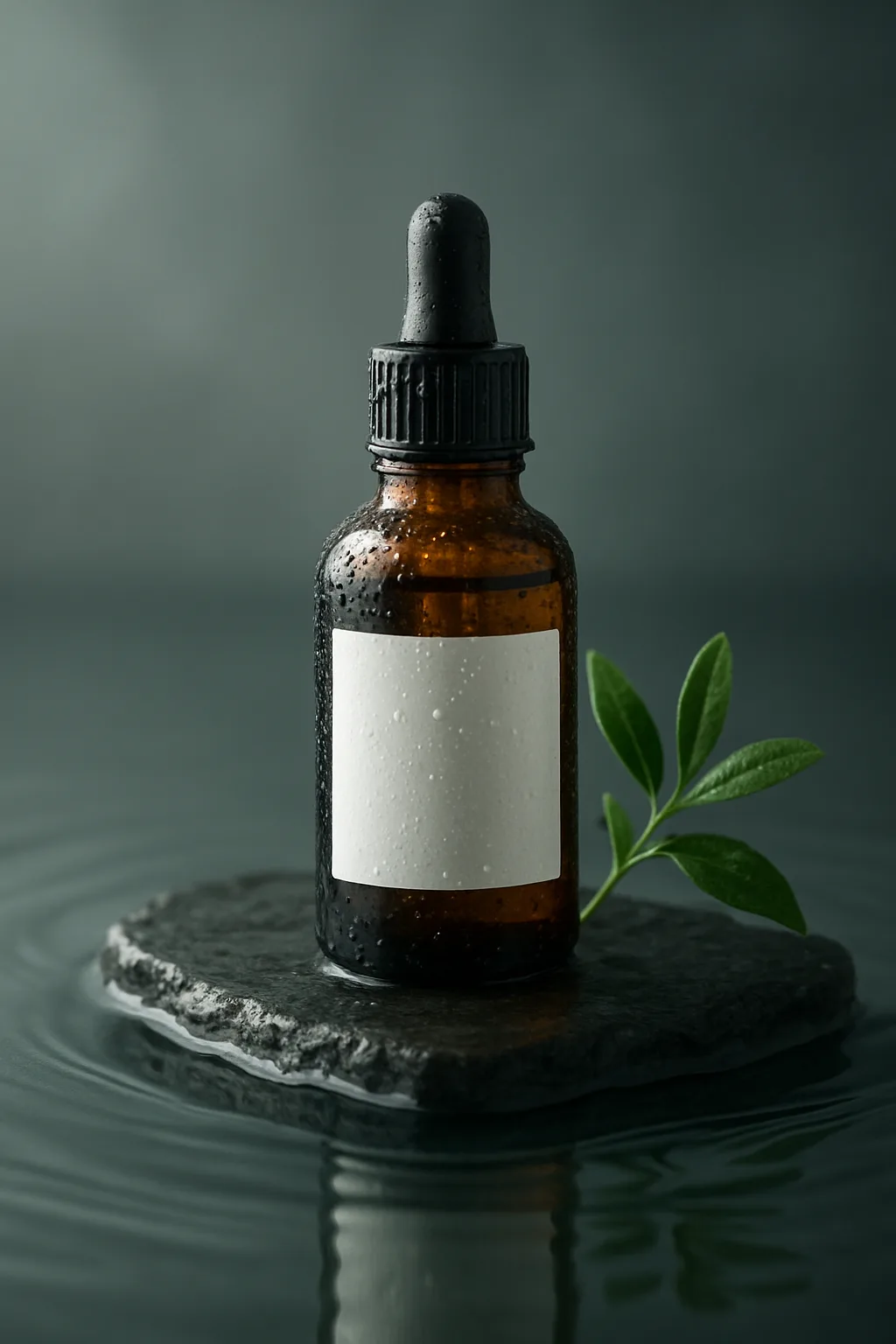
Shows your skincare or beauty product on dark wet stone with gentle water ripples and soft light, like a premium beauty ad.

Creates a high-speed splash ad image for a beverage or skincare product, with ingredients flying outward and no logos.
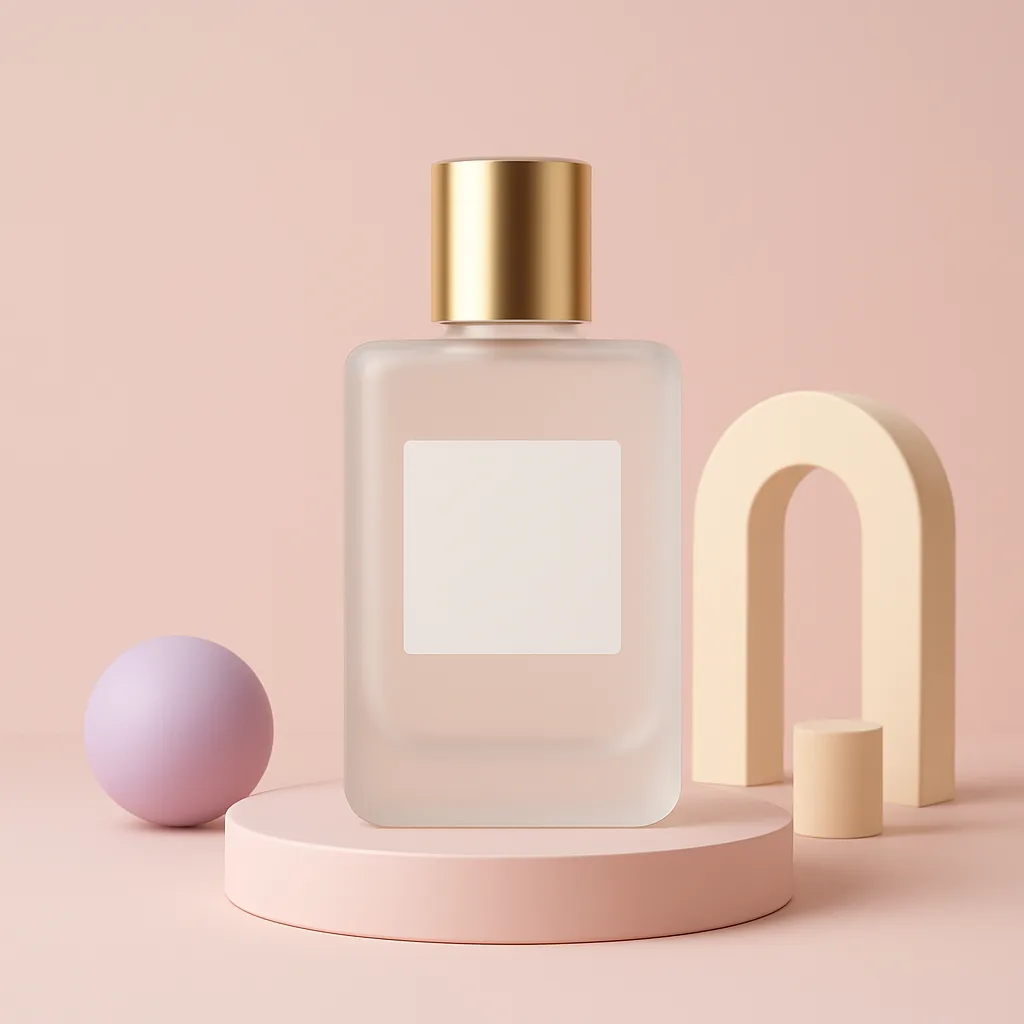
Puts your product on a floating pastel pedestal with soft shadows and simple geometric shapes, for a clean, modern ad or store image.

Generates a styled top-down flat lay of your product with props, colour palette and space for text, ready for an Instagram feed post or ad.

Puts your product into a believable, styled real-world scene with props and daylight, the kind of lifestyle image used on product pages and social ads.
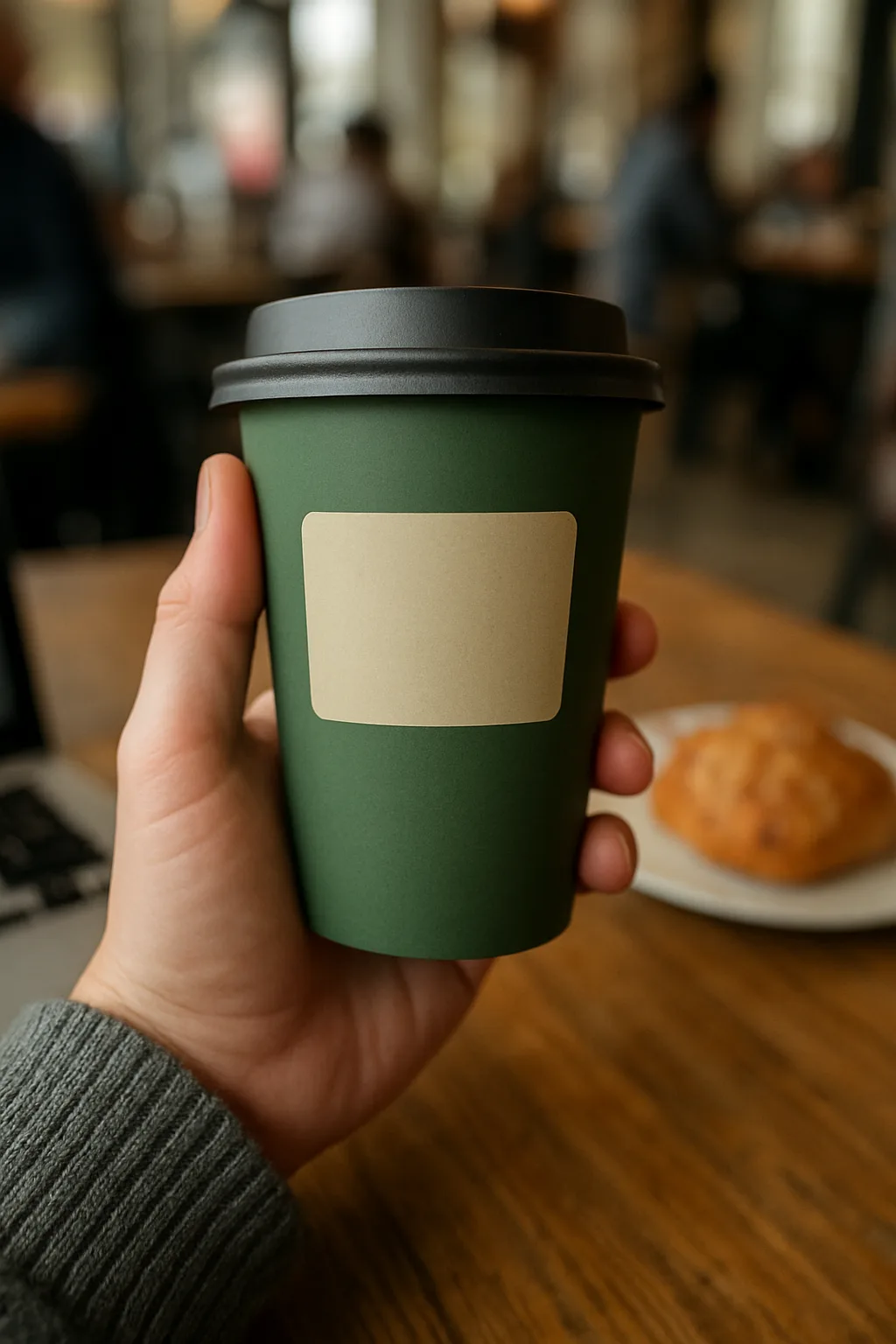
Creates a casual, real-looking photo of someone holding your product in daily life, like a customer post rather than a studio ad.
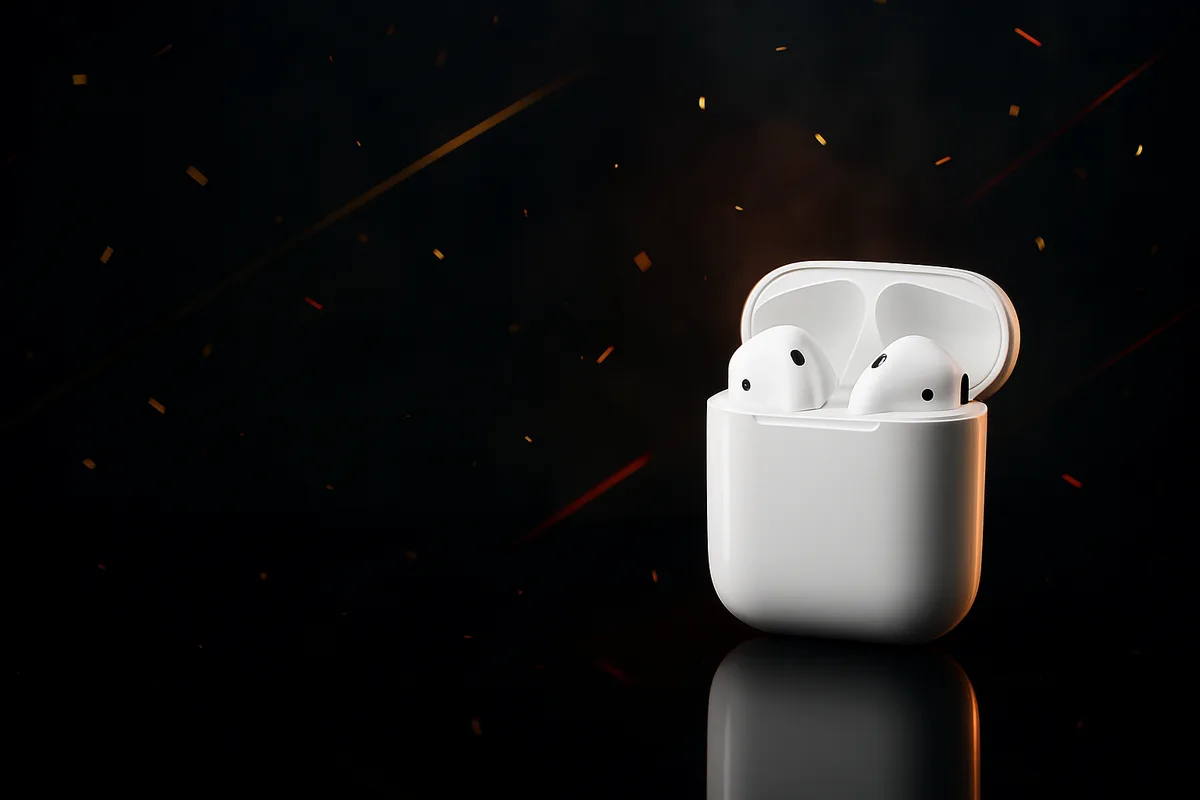
Makes a bold Black Friday sale banner image with your product on a dark, glossy set and clear empty space where you add your own offer text.
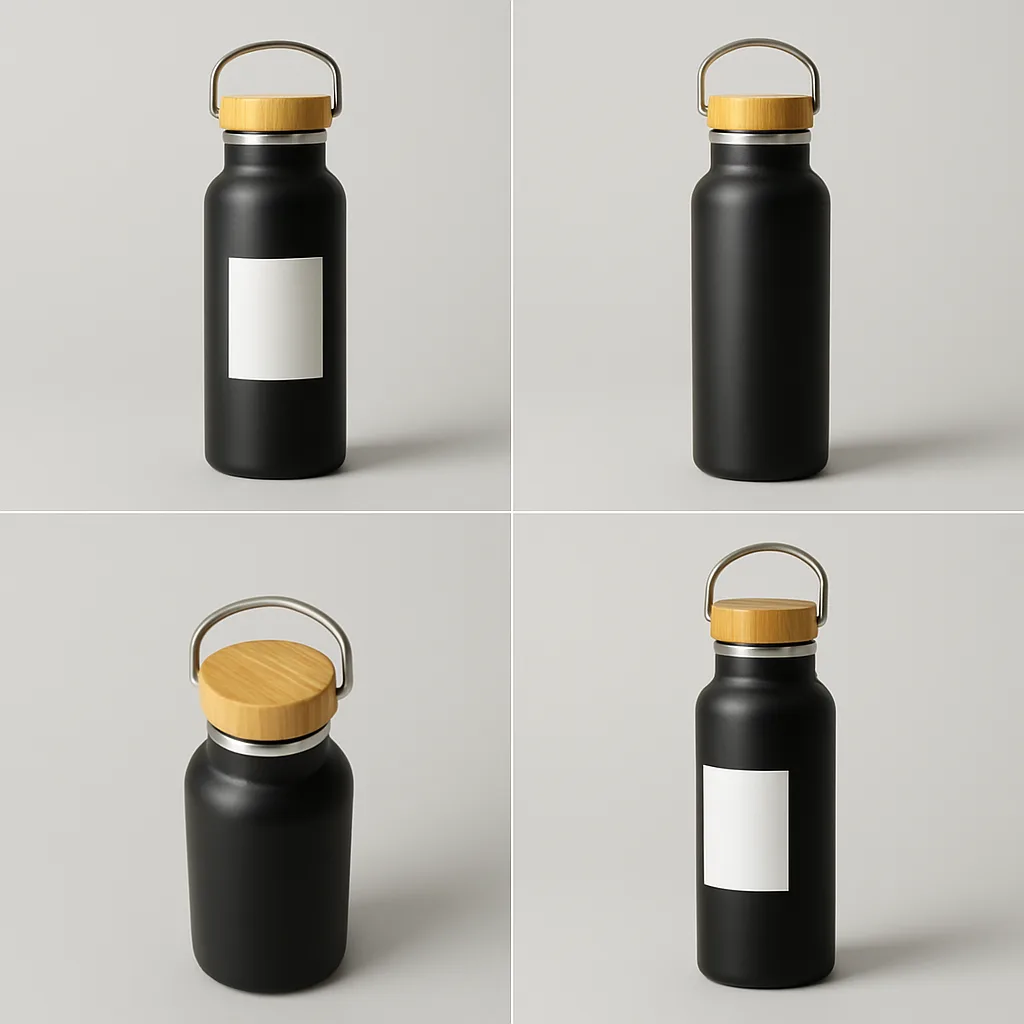
Generates new views of your product (top-down, side, three-quarter) from a single photo, keeping its design and label consistent.

Creates a top-down styled holiday flat-lay of up to six gift items on a colored linen backdrop, with no brand names.
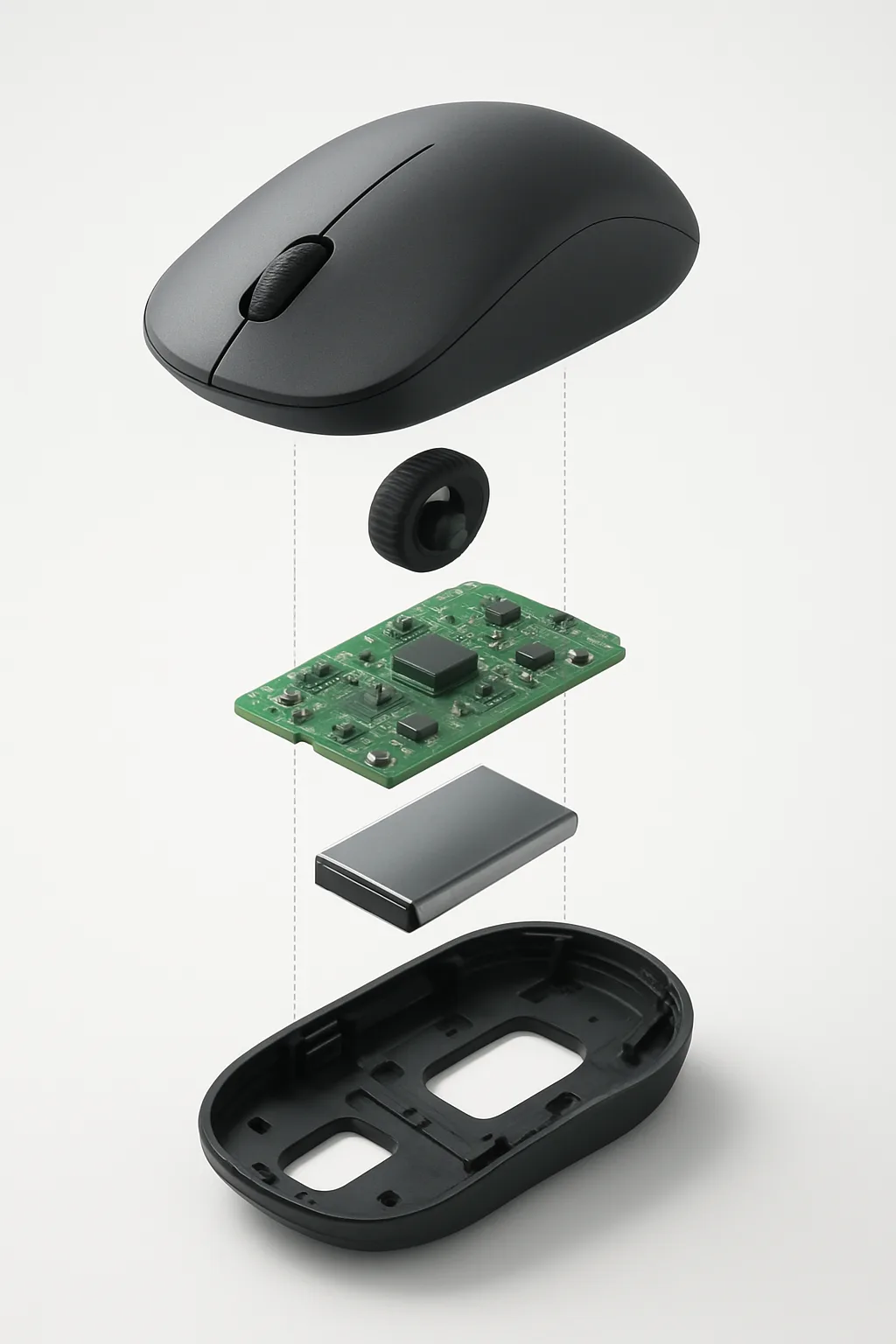
Shows your product taken apart into its components, floating in a clean exploded view, like a technical illustration for a launch page.

Produces a top-down, magazine-style photo of a dish on a styled table for menus, delivery apps and social posts, from a description or a photo of your plate.

Puts a piece of clothing from a shop photo onto you in your own photo, keeping your pose and body, so you can see it before buying.
FAQ
Upload a photo of the product, even one taken on a phone, and paste the prompt in ChatGPT or Gemini. Each prompt sets the surface, light, angle and props, and most tell the model to keep the product's shape, colour and label as they are, because a shopper will expect the real item to match.
Some prompts change only the camera angle, others place the product in a hand for a social ad or lay out a gift guide from several items. A few have blanks, such as the brand colour or the sale text, which you fill in on the page. Each prompt shows an example image.
Many marketplaces ask that the main image shows the real product accurately, often on a plain background. The catalogue prompts aim for that, but check your marketplace's image rules and compare every detail of the result with the item itself. Use the styled scenes for extra images, ads and social posts.
Image models redraw text and fine detail, so small print can come out wrong. Upload a sharp photo where the label is large and readable, and run the prompt again if it drifts. For text that must be exact, such as ingredients or sizes, add it afterwards in an editor instead of relying on the model.
A clear, well-lit phone photo is enough. Shoot the product straight on against a plain wall or sheet, with no harsh shadows, and fill most of the frame. The model keeps what it can see, so a sharper source gives truer colours, cleaner edges and a label that stays readable in the finished image.