Minimalist Comparison Infographic Slide for LinkedIn or X
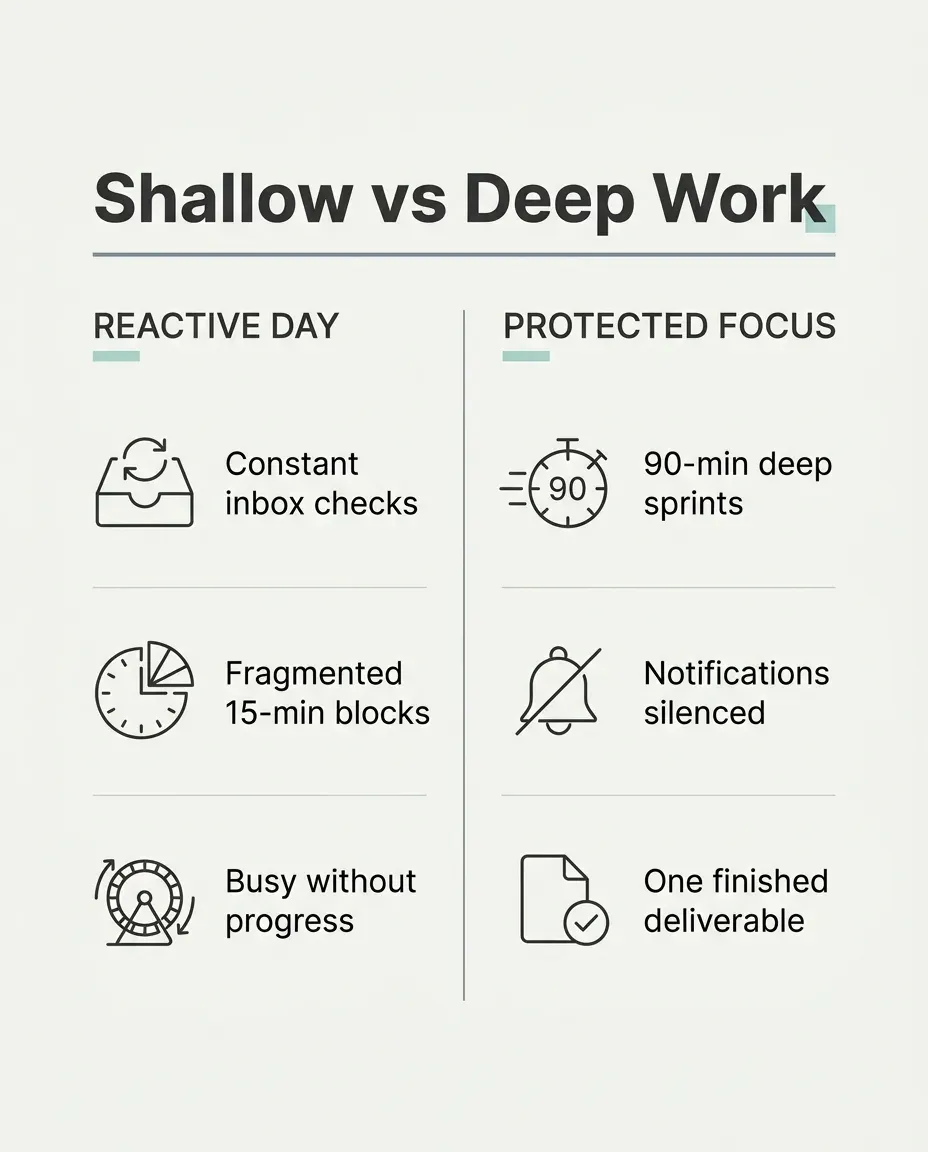
Creates a crisp, Swiss-grid two-column comparison graphic with legible sans-serif typography ready to drop straight into a social post.
The prompt
Create a clean minimalist Swiss-grid comparison infographic slide on a crisp matte off-white background with thin slate divider lines and subtle teal accents. Top bold sans-serif heading reading exactly "Shallow vs Deep Work (example value for {slide title})". Below, two equal side-by-side comparison columns titled "Reactive Day vs Protected Focus (example value for {left vs right labels})", each holding three ultra-short scannable bullet points with simple flat monochrome icons beside them. Generous outer margins, crisp grid alignment, strong visual hierarchy and effortless phone-screen legibility. Flat modern editorial graphic design, zero photographic clutter or drop shadows. Portrait, 4:5.
Constraints: spell every supplied heading cleanly; keep bullet copy to four words or fewer; no extra logos, fake metrics, badges or watermarks.
Dashed parts are example values, so the prompt runs as copied. Change them in Fill in the blanks.
Tips and common edits
Why this works
- Wrapping the title and column headers in exact quotation marks cuts spelling errors dramatically in Nano Banana 2.1.
- Capping bullets at four words keeps typography large enough to read effortlessly on a vertical LinkedIn or X mobile feed.
- Flat Swiss-grid lines and generous margins give studio-agency polish instead of cluttered AI poster noise.
Best in Gemini (Nano Banana 2.1) with high clarity for short, crisp text; ChatGPT image generation also works well. Keep labels short (under 5 words) and always proofread every rendered word before posting—regenerate if a letter slips.
Common edits
- Flip the palette to matte charcoal (`#111317`) with crisp white type and amber accents for dark-theme carousels.
- Provide your exact six short bullet lines in quotation marks if you want zero improvised copy.
Prompt details
- By
- Prompts-GPT editors
- Published
Did this prompt work?
Keep exploring
More like this
Create Educational LinkedIn Carousel Scripts
Turn complex processes into a 10-slide LinkedIn carousel script with punchy hooks, concise body copy, and visual design cues.
Repurpose a Blog Post into LinkedIn, X and Instagram Posts That Link Back
Turns a pasted article into a LinkedIn post, an X thread and an Instagram carousel, each built on a different strong point and linked to its source section.
Repurpose One Blog Post Into Ten Platform-Native Social Posts
Turns one article into ten posts for LinkedIn, X, Instagram and email, each built on a different idea from the piece, written natively for the platform rather than as a summary.
LinkedIn Post from a Work Lesson, No Engagement Bait
Turns a work story or lesson into a LinkedIn post with a strong first line, short paragraphs, and one clear takeaway.
Fine-Line Botanical Tattoo Stencil and Forearm Preview
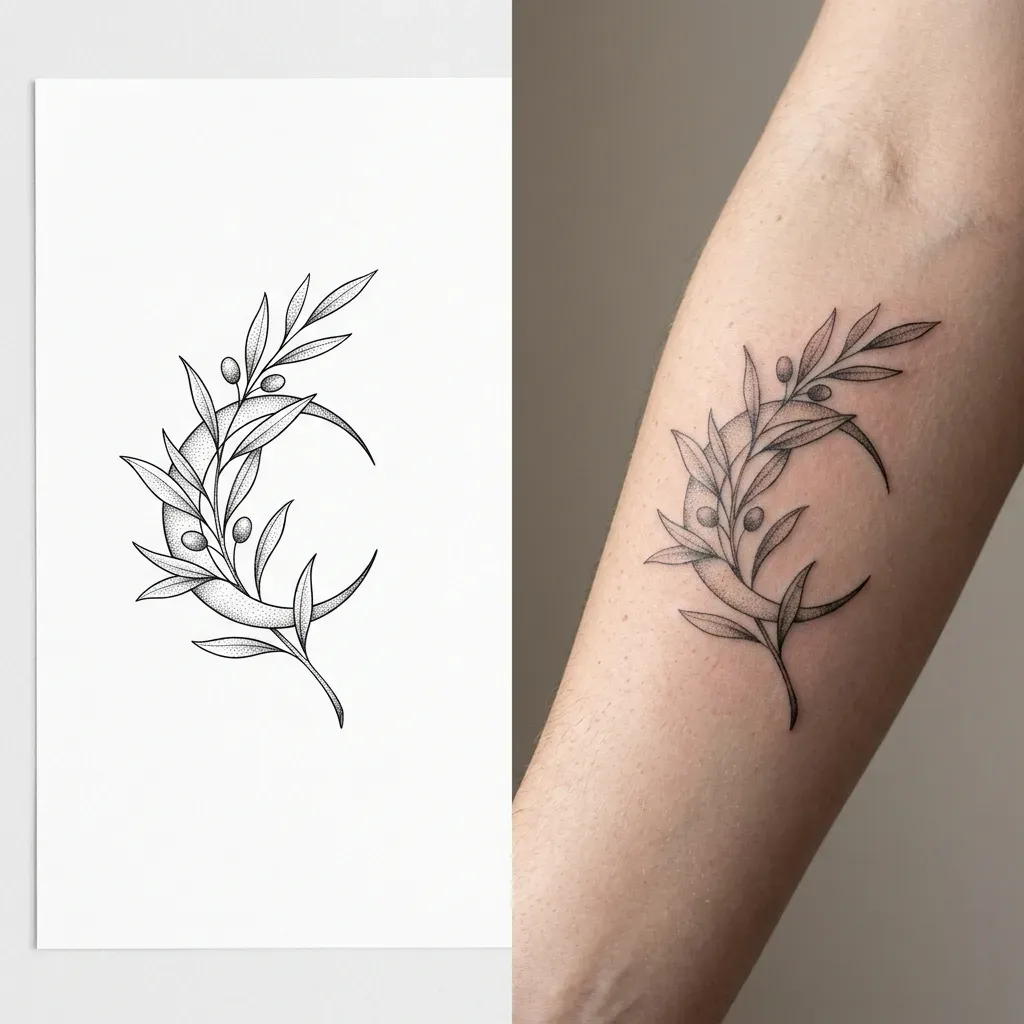
Creates a split image showing a crisp black-ink fine-line botanical tattoo stencil on white paper beside a realistic forearm skin preview.

Minimalist Mobile App Icon Concepts in Four Styles
Produces a 2x2 grid of four distinct rounded-square mobile app icon directions for your product, cleanly spaced for side-by-side comparison.