Fine-Line Botanical Tattoo Stencil and Forearm Preview
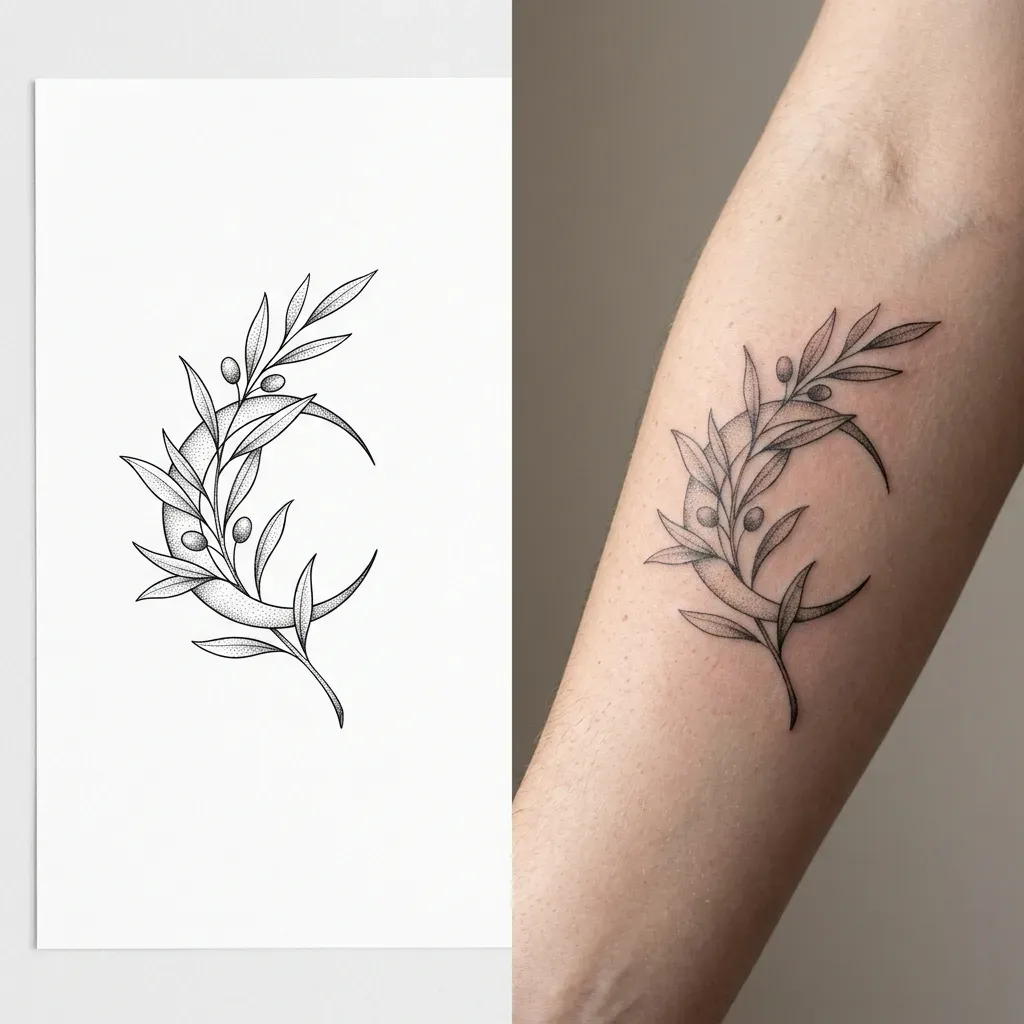
Creates a split image showing a crisp black-ink fine-line botanical tattoo stencil on white paper beside a realistic forearm skin preview.
The prompt
Create a side-by-side split image for a fine-line botanical tattoo of an olive branch intertwined with a small crescent moon (example value for {plant or floral subject}). Left half: clean black-ink line-art stencil on pure white paper, crisp thin outlines and delicate stipple shading, centered with generous white margin. Right half: the exact same tattoo design placed cleanly on the inner forearm of a fictional adult with natural skin pores and fine arm hair. Soft diffused daylight from the side so the ink reads sharp against skin. Macro photography look on the right, flat technical drawing on the left. Quiet, studio mood with neutral grey-beige background behind the arm. Square, 1:1.
Constraints: match every leaf and petal between stencil and skin; no text, labels or watermarks.
Dashed parts are example values, so the prompt runs as copied. Change them in Fill in the blanks.
Tips and common edits
Why this works
- Putting the white-paper stencil next to the forearm preview lets you hand clean linework to your artist while judging real scale.
- Asking for natural skin pores and diffused side light prevents the pasted-on sticker look common in AI tattoo previews.
- Locking the left and right designs to match stops the model from adding extra leaves on the skin side.
Paste directly into Gemini (Nano Banana 2.1) or ChatGPT image generation; no upload needed unless you want to preview on your own arm photo. Common failure: thick muddled ink lines—regenerate and ask for single-needle line weight.
Common edits
- Upload a clear photo of your own forearm or shoulder and start with 'Use the uploaded photo for the right half' to preview placement.
- Swap 'fine-line botanical' for 'neo-traditional bold outline' or 'minimalist geometric' to test other tattoo styles.
Prompt details
- By
- Prompts-GPT editors
- Published
Did this prompt work?
Keep exploring
More like this
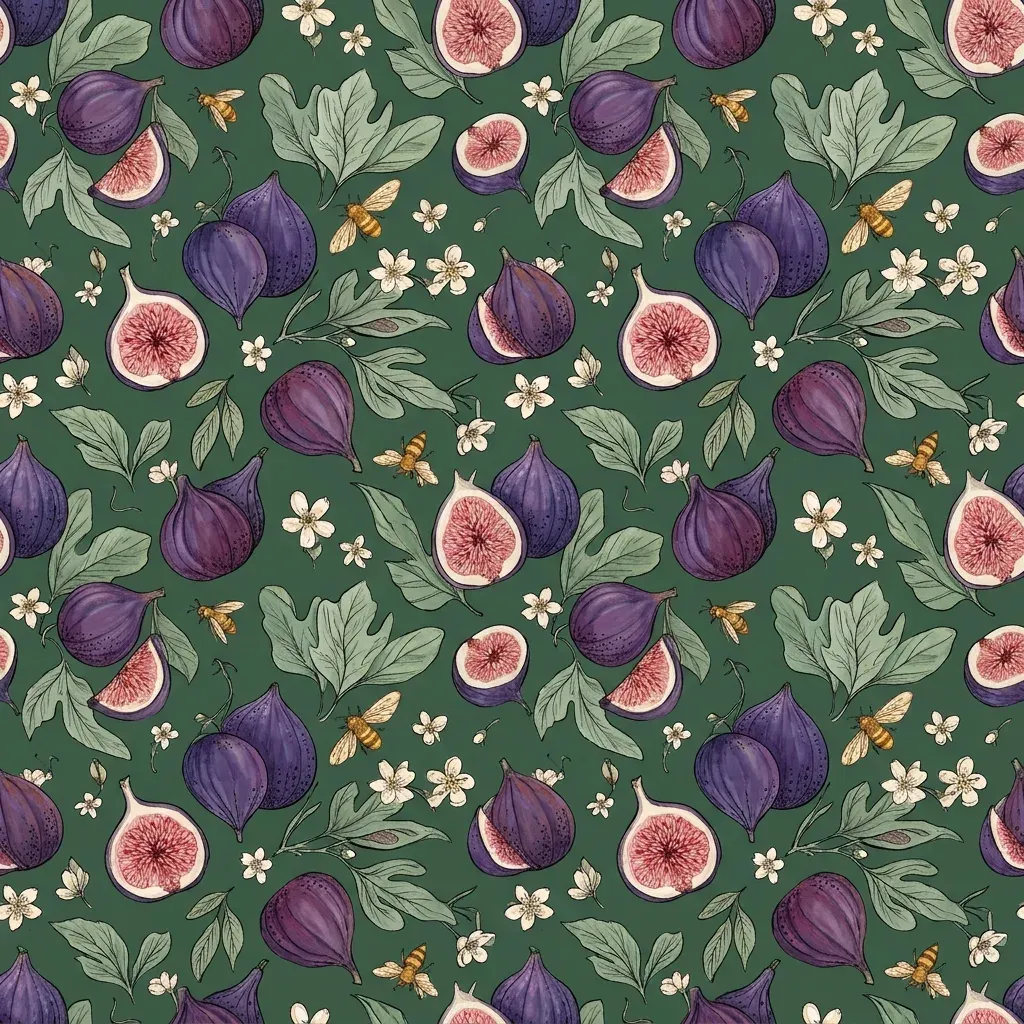
Repeating Botanical Surface Pattern Tile for Fabric or Paper
Generates a flat overhead repeating surface pattern tile with balanced spacing and matching edges, ready for wallpaper, gift wrap or textile print.
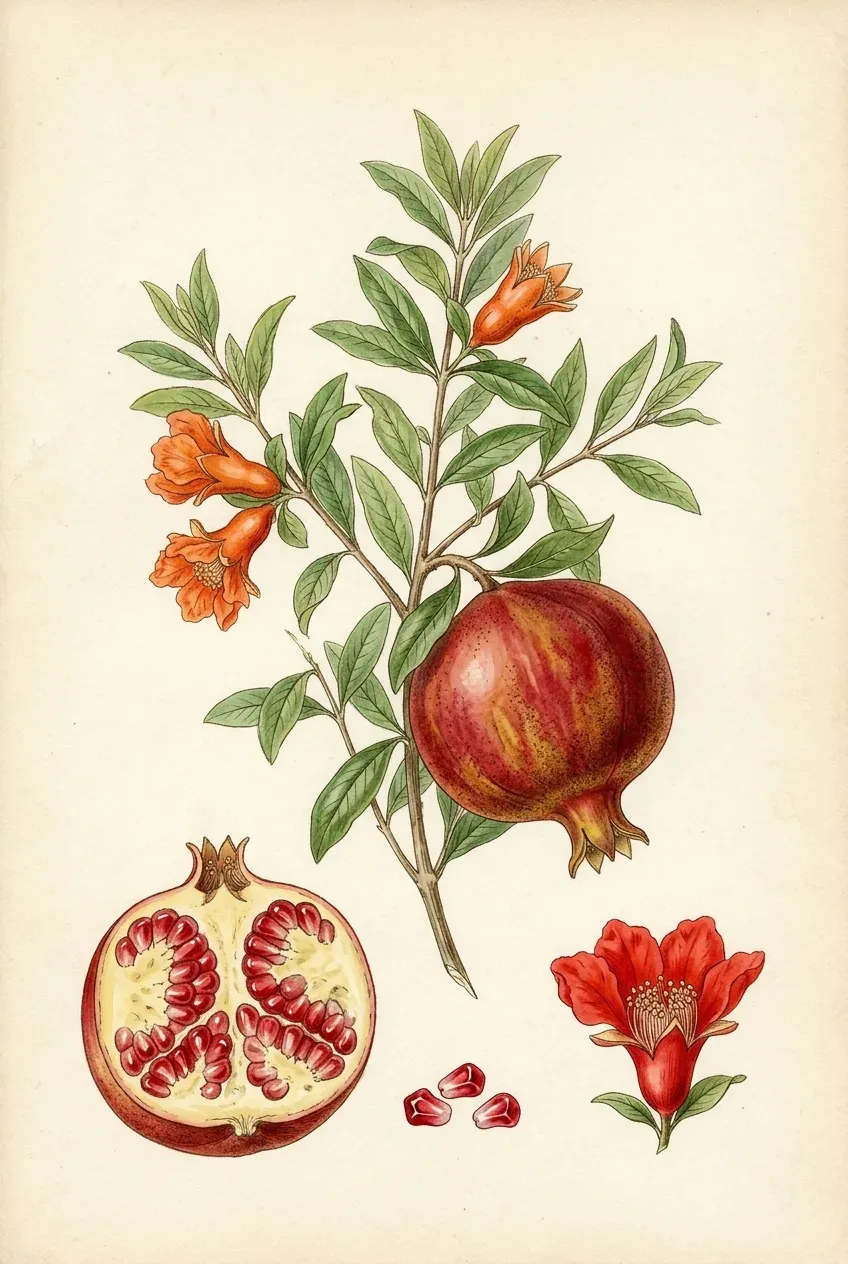
Vintage Botanical Field-Guide Watercolour Plate of Any Plant
Creates an archival 19th-century natural history botanical plate showing a plant's full stem, blossom, cross-section fruit and seeds on cream paper.

Illustrated Book Cover Background With Title and Author Space
Creates a vertical atmospheric book cover illustration with uncluttered upper and lower zones reserved for your title and author name.
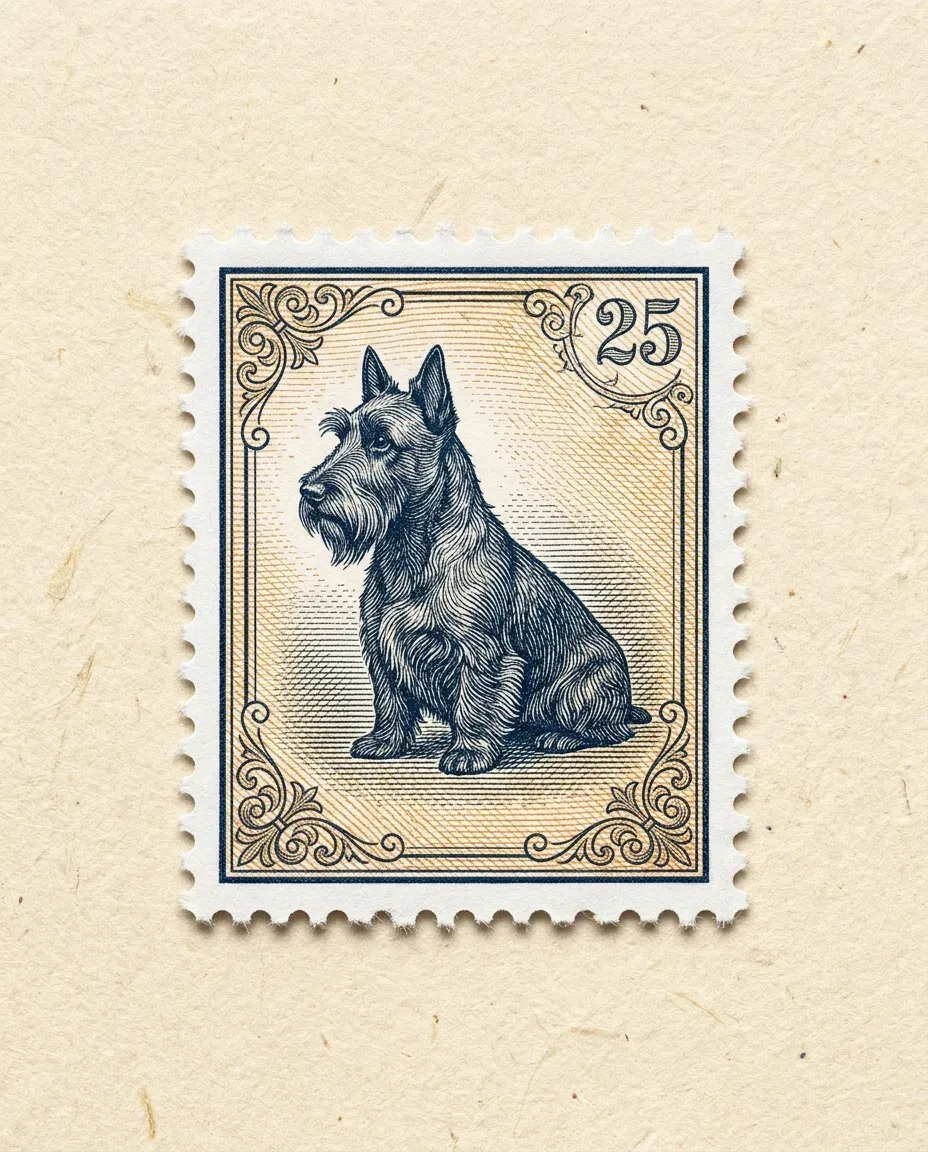
Vintage Engraved Postage Stamp Illustration From a Photo
Transforms your uploaded pet, travel landmark or portrait photo into a finely engraved vintage postage stamp with perforated edges on textured paper.

Turn a Rough Sketch Into a Finished 3D Render
Turns your rough pencil sketch or doodle of an object, character or room into a polished 3D render that keeps the same shapes and layout.
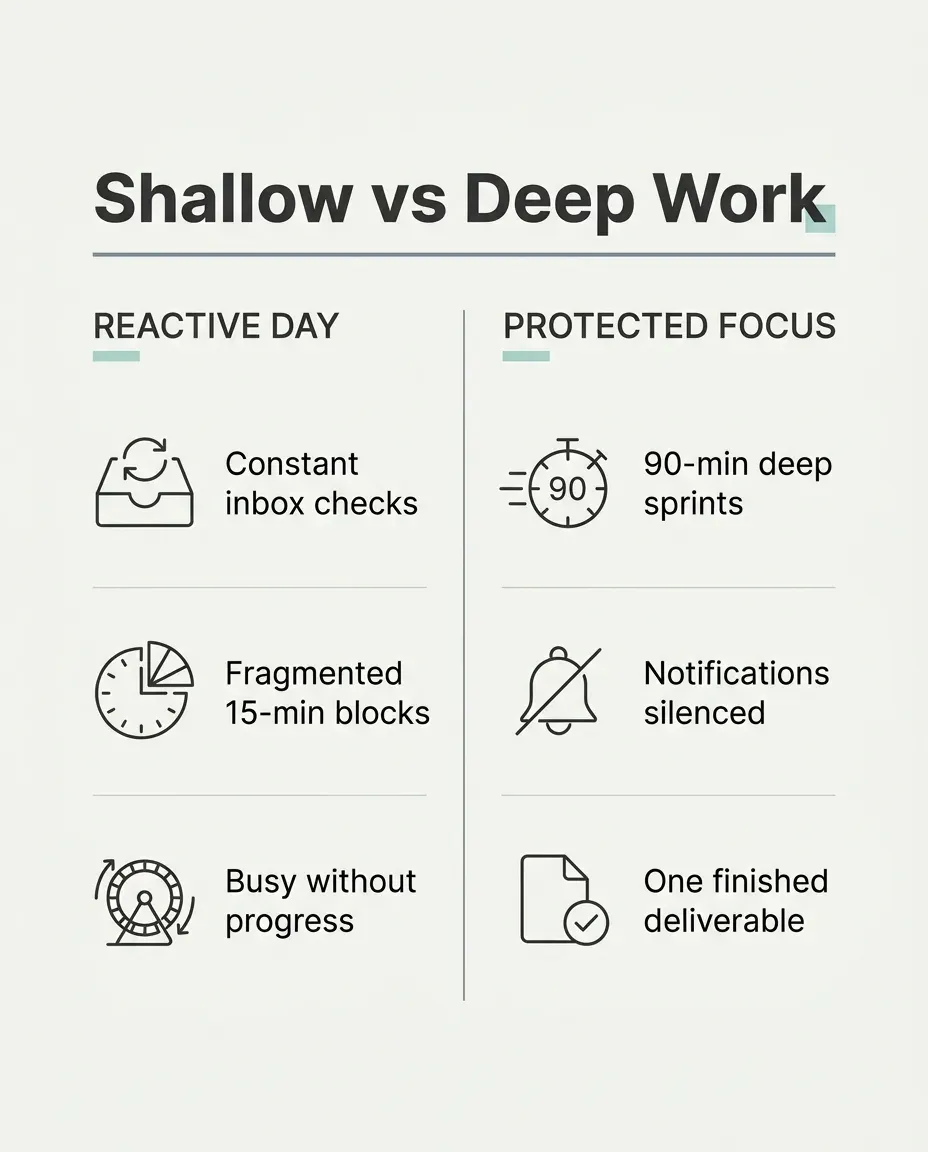
Minimalist Comparison Infographic Slide for LinkedIn or X
Creates a crisp, Swiss-grid two-column comparison graphic with legible sans-serif typography ready to drop straight into a social post.
- Turn Any Photo Into a Printable Colouring Book Page
- Black-and-White Manga Panel of You With Screentone
- 3D Product Packaging Box Mockup From Your Flat Label Design
- Passport and ID Photo From a Casual Selfie
- Podcast Cover Art With Clean Space for Your Show Title
- Remove Glare From Glasses in a Portrait Photo