Sketchnote Visual Summary of Any Topic
Turns a topic into a hand-drawn sketchnote poster with icons, arrows and short labels, for study notes, slides or social posts.
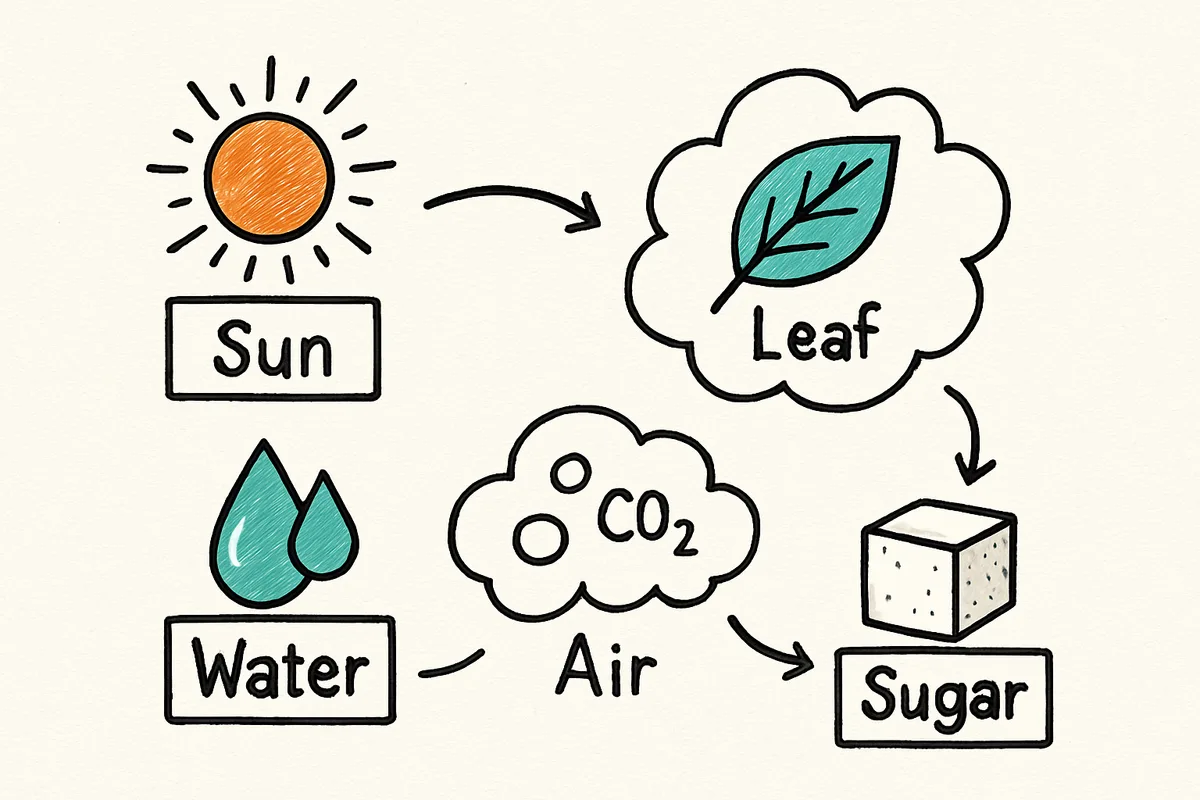
The prompt
Create a hand-drawn sketchnote-style visual summary of {your topic}. Show four to six key ideas as simple icons in boxes and clouds, connected by arrows in a logical flow from top left to bottom right. Each idea gets one or two short, correctly spelled words as a label, written in clear marker lettering. Black fine-liner on off-white paper, with two accent colours (teal and orange) for highlights. Plenty of white space and a small drawn title box left empty at the top. Landscape, 16:9.
Constraints: keep labels short and spelled correctly; no invented facts or numbers; no watermark.Tips and common edits
Why this works
- Capping it at four to six ideas with one or two words each keeps the drawing readable and the text within what image models spell reliably.
- A fixed reading direction, top left to bottom right, gives the summary a clear order without numbered steps.
- Two accent colours on black fine-liner keep the classic sketchnote look and stop the image turning into a busy infographic.
Fill in the topic. For accurate labels, add the four to six ideas you want shown, each as one or two words, after the prompt. ChatGPT image generation's Images 2.6 update and Gemini's Nano Banana 2.1 both render short labels well; ChatGPT is the safer pick when the wording must be exact, and Gemini is quicker when you want several versions to choose from. Common failure: the model adds extra labels, misspells one, or writes facts you did not give it. Fix it by listing the exact words and adding 'use only these labels, nothing else'. Check every label before sharing in class or on slides.
Common edits
- Variation: make a vertical version for an Instagram carousel or a phone lock screen by changing 'Landscape, 16:9' to 'Portrait, 4:5' or '9:16'.
- Fill the empty title box by adding 'write the title "…" in the box at the top' with your exact title in quotes.
Prompt details
- By
- Prompts-GPT editors
- Published
Did this prompt work?
Keep exploring
More like this
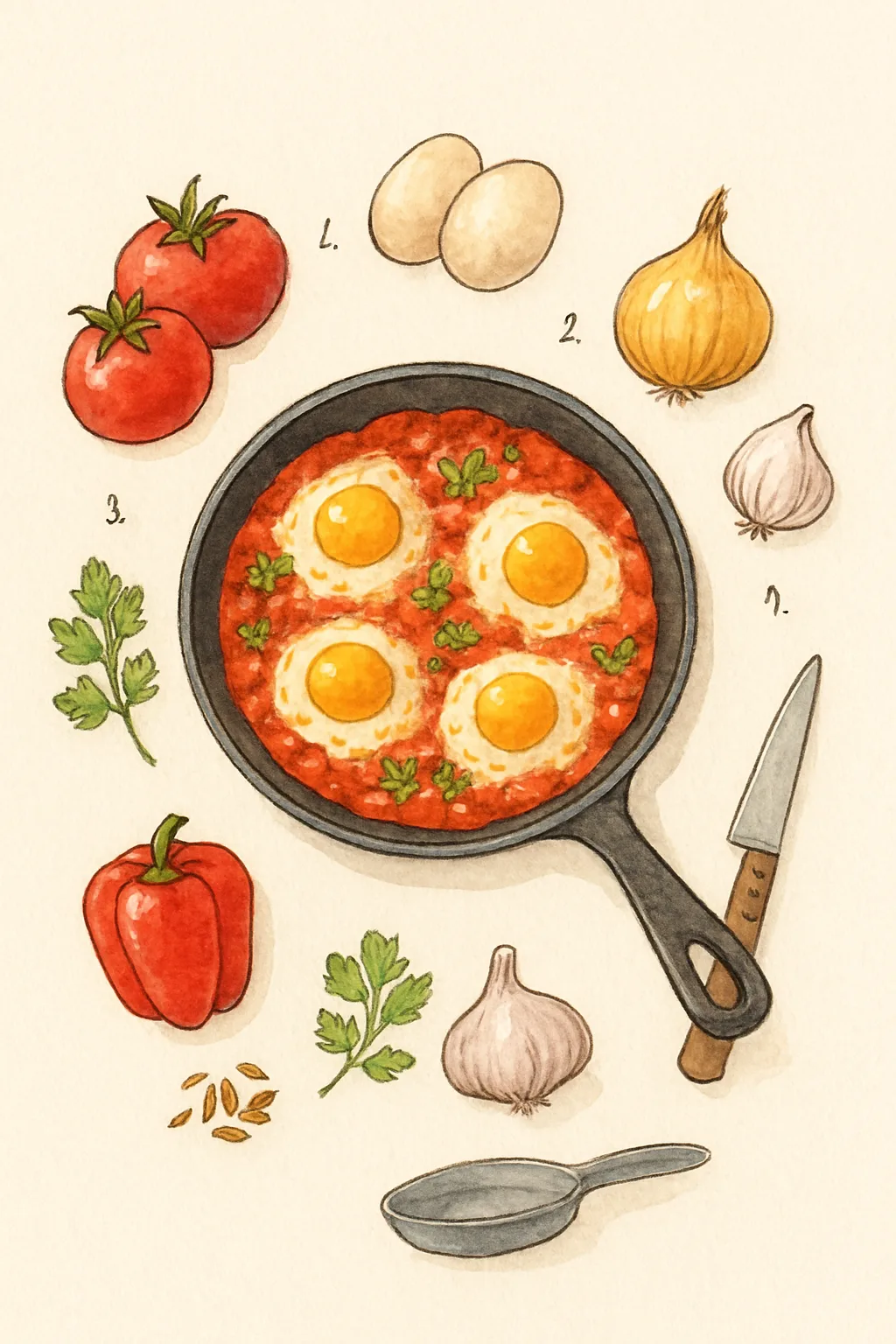
Illustrated Recipe Card With the Ingredients Laid Out
Draws a recipe as a hand-painted card with each ingredient illustrated around the finished dish, for a blog or a printed recipe box.
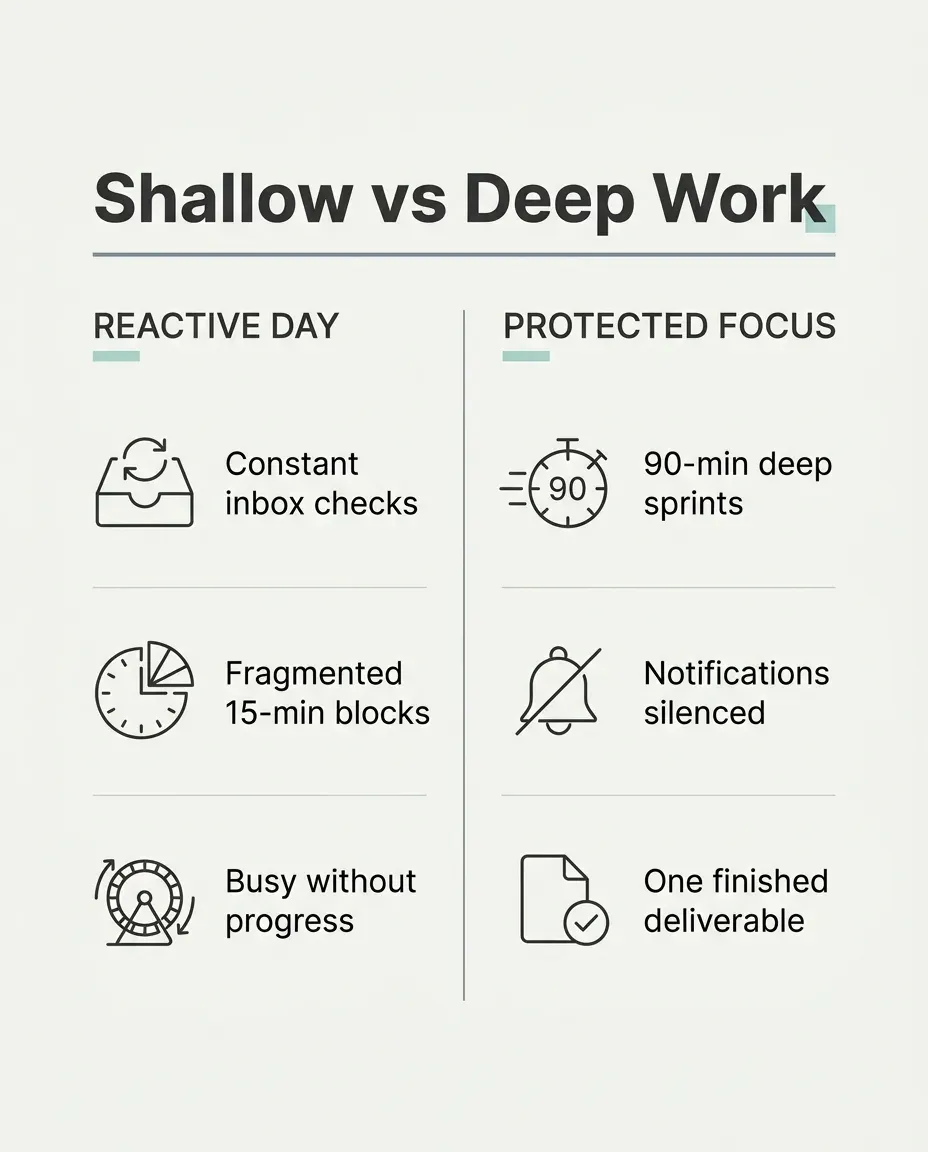
Minimalist Comparison Infographic Slide for LinkedIn or X
Creates a crisp, Swiss-grid two-column comparison graphic with legible sans-serif typography ready to drop straight into a social post.

90s Cel Anime Opening Shot of You
Turns your photo into a frame from a 1990s hand-drawn TV anime opening, with cel shading, film grain and a dramatic sky.

Family Portrait as a Storybook Illustration
Turns a family photo into a warm, hand-painted children's book illustration where everyone is still recognisable, pets included.
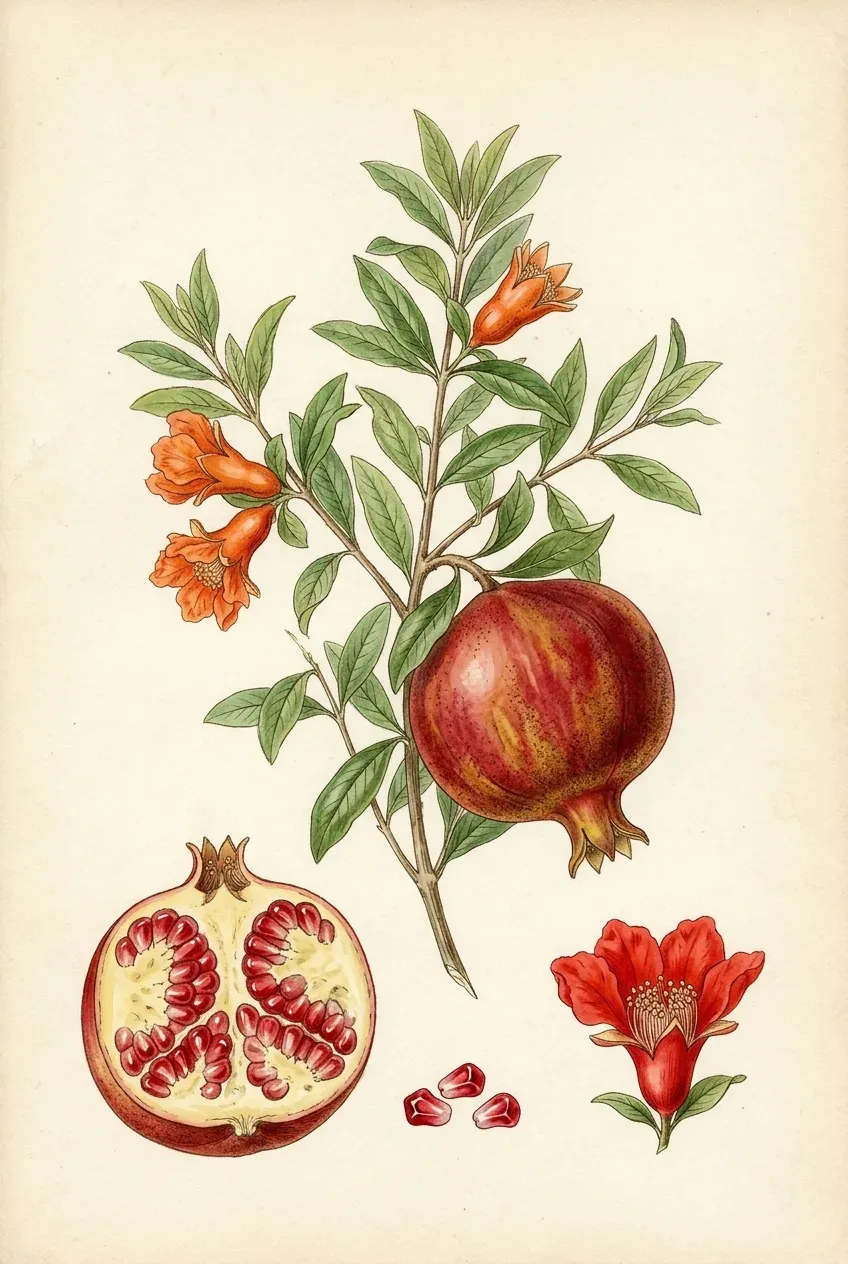
Vintage Botanical Field-Guide Watercolour Plate of Any Plant
Creates an archival 19th-century natural history botanical plate showing a plant's full stem, blossom, cross-section fruit and seeds on cream paper.
Build a Classroom Grade Distribution Infographic with Histogram and Quartiles
A single HTML file that turns an inline array of class scores into a histogram with mean and median markers, a box plot, stat cards and a plain-language summary.
- Build an Interactive Cause-and-Effect Infographic on the Causes of World War I
- Pet Die-Cut Sticker Sheet With Six Expressions
- Study Guide, Practice Questions and Audio Overview Plan From Your Course Files in NotebookLM or Gemini
- Hand-Painted Anime Film Still of You
- Watercolor Hand-Painted Anime Film Still
- Fine-Line Botanical Tattoo Stencil and Forearm Preview