Illustrated Book Cover Background With Title and Author Space
Creates a vertical atmospheric book cover illustration with uncluttered upper and lower zones reserved for your title and author name.
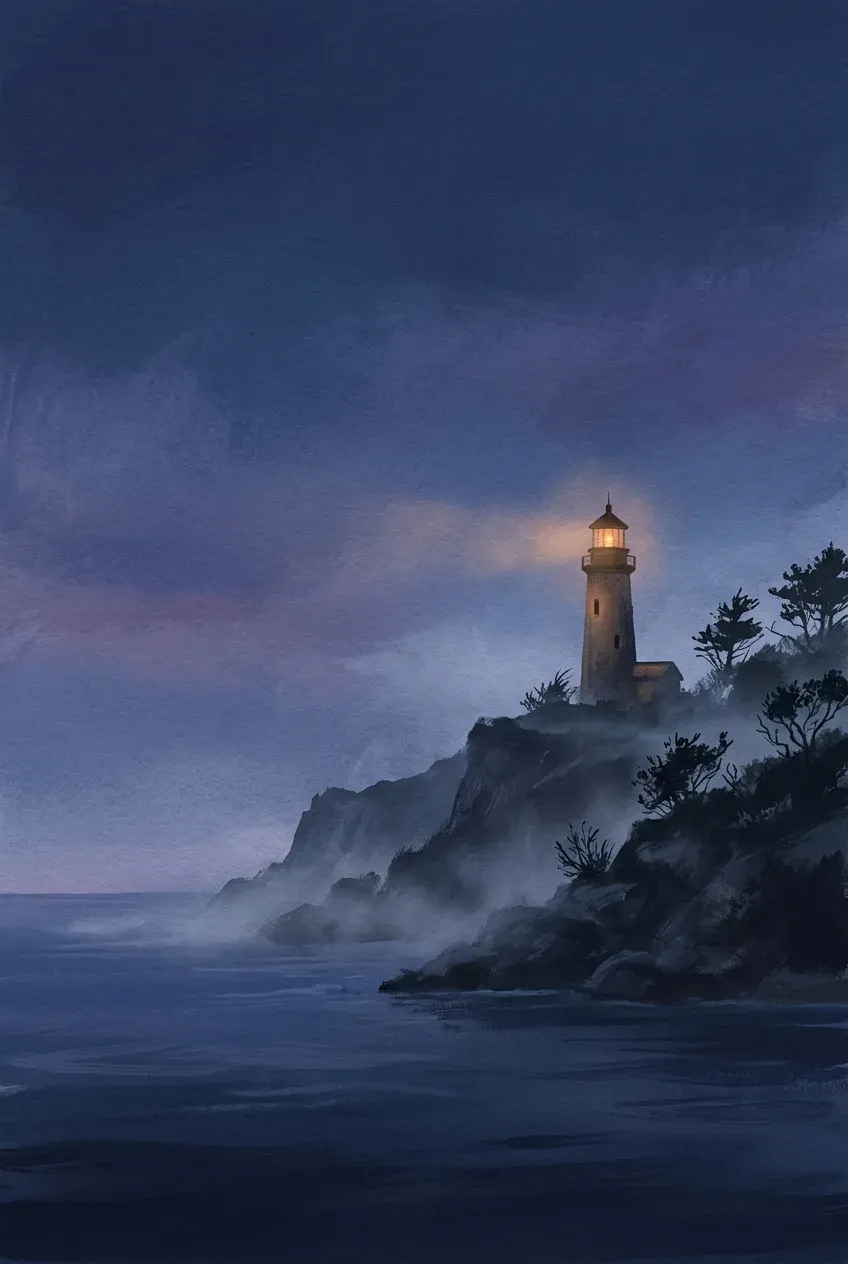
The prompt
Create a vertical 2:3 illustrated book cover background for a quiet coastal mystery (example value for {genre and mood}) novel showing a lone stone lighthouse glowing amber above misty dark sea cliffs at dusk (example value for {key scene or focal element}) positioned cleanly in the middle third of the composition. Keep the upper third as a calm, softly textured sky or shadow area with clear contrast for a book title, and keep the lower fifth quiet and uncluttered for an author name. Painterly editorial gouache and digital brush illustration style with rich atmospheric lighting, warm rim highlights and deep moody shadows. Eye-level cinematic framing with strong silhouette clarity so the cover reads clearly as an online thumbnail. Portrait, 2:3.
Constraints: no text, no titles, no author names, no barcodes or fake spine creases.
Dashed parts are example values, so the prompt runs as copied. Change them in Fill in the blanks.
Tips and common edits
Why this works
- Anchoring the focal scene in the middle third leaves clean high-contrast zones at the top and bottom for real book typography.
- Designing for strong silhouette clarity keeps the cover readable as a tiny ebook store thumbnail.
- Leaving text out prevents warped serif lettering and lets you adjust title size for paperback, hardcover and audio formats.
Paste into Gemini (Nano Banana 2.1), ChatGPT or Midjourney (--ar 2:3), then set your title typography in Canva, Affinity or InDesign. Common failure: detail creeping into the top title zone—regenerate and ask for simpler darker negative space at the top.
Common edits
- Change the aspect ratio to '1:1' if you need an audiobook square cover from the same visual concept.
- Replace 'painterly editorial gouache' with 'vintage linocut print' or 'dramatic minimalist photography' to match your genre.
Prompt details
- By
- Prompts-GPT editors
- Published
Keep exploring
More like this
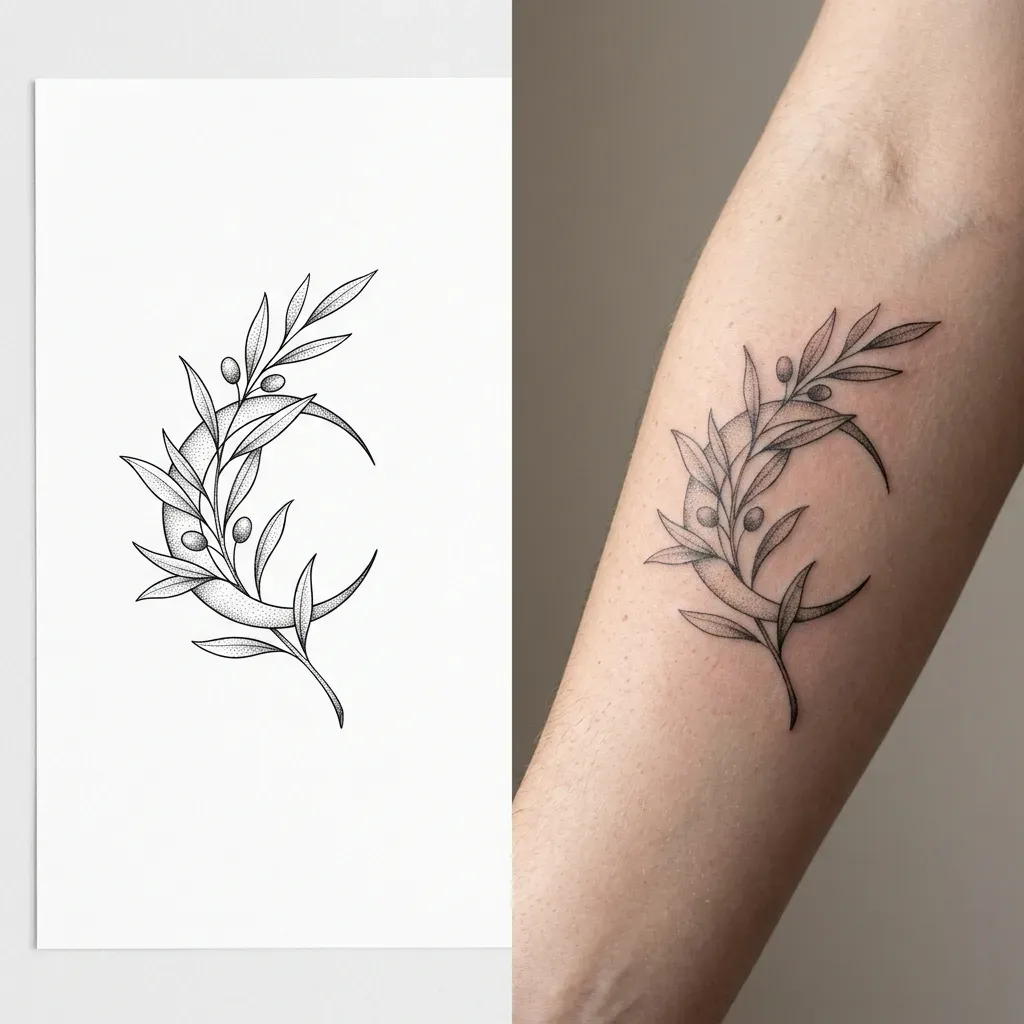
Fine-Line Botanical Tattoo Stencil and Forearm Preview
Creates a split image showing a crisp black-ink fine-line botanical tattoo stencil on white paper beside a realistic forearm skin preview.
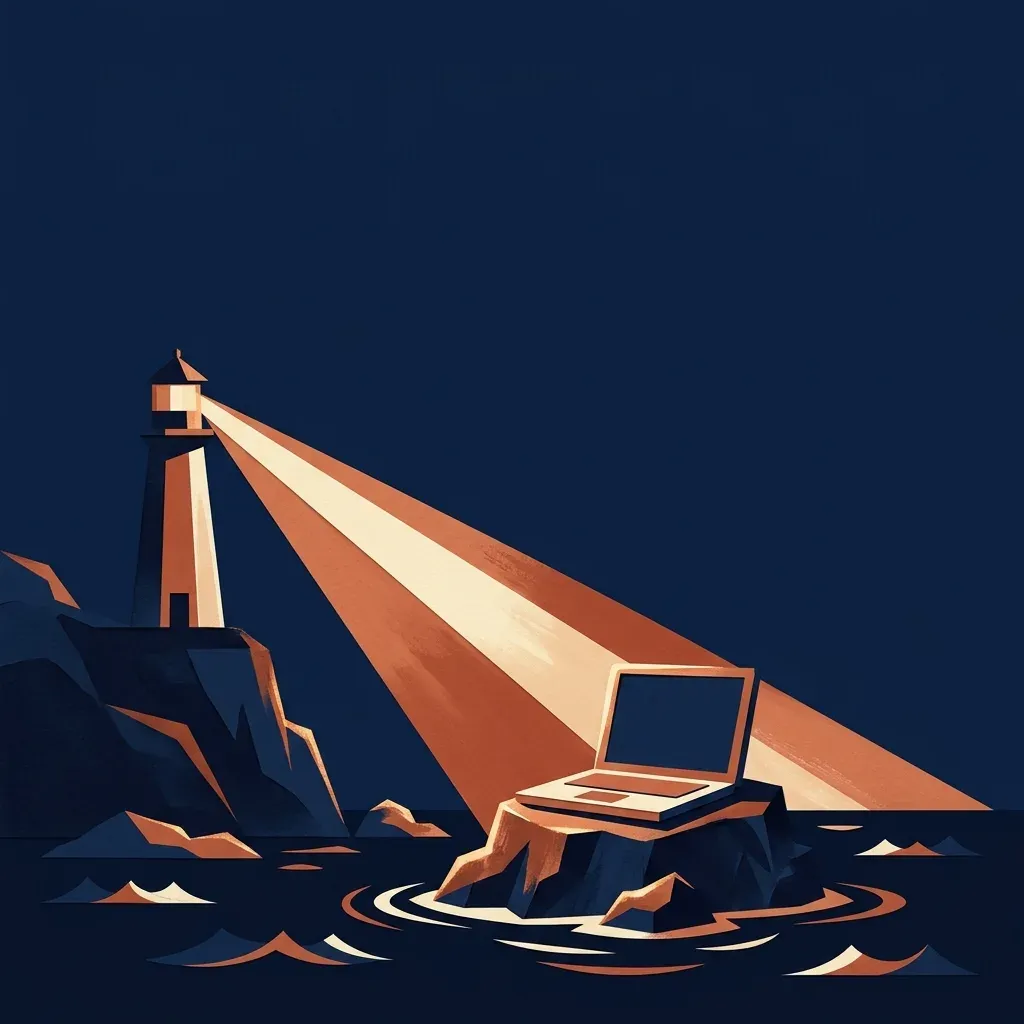
Podcast Cover Art With Clean Space for Your Show Title
Generates a bold, square podcast cover illustration with clear empty space at the top so you can add crisp typography in any editor.

Family Portrait as a Storybook Illustration
Turns a family photo into a warm, hand-painted children's book illustration where everyone is still recognisable, pets included.
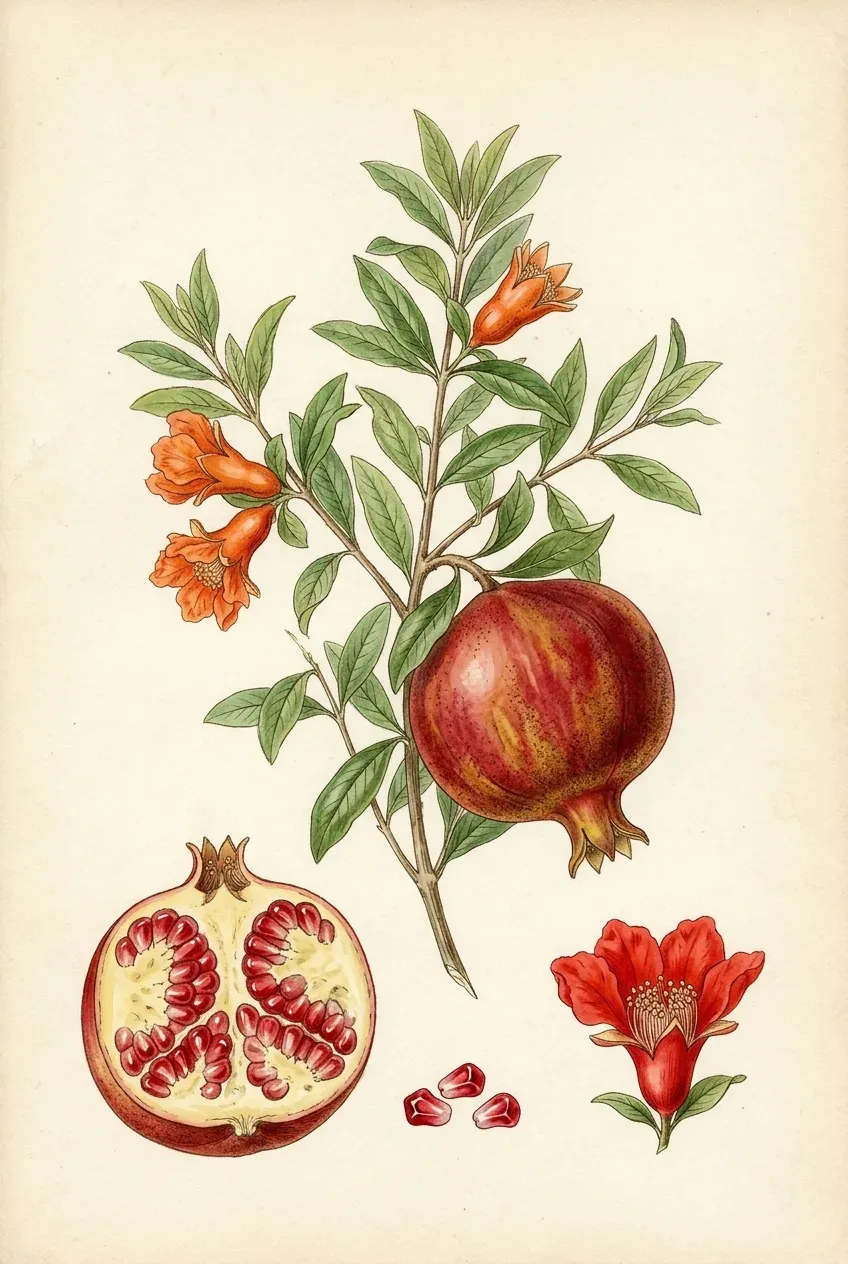
Vintage Botanical Field-Guide Watercolour Plate of Any Plant
Creates an archival 19th-century natural history botanical plate showing a plant's full stem, blossom, cross-section fruit and seeds on cream paper.
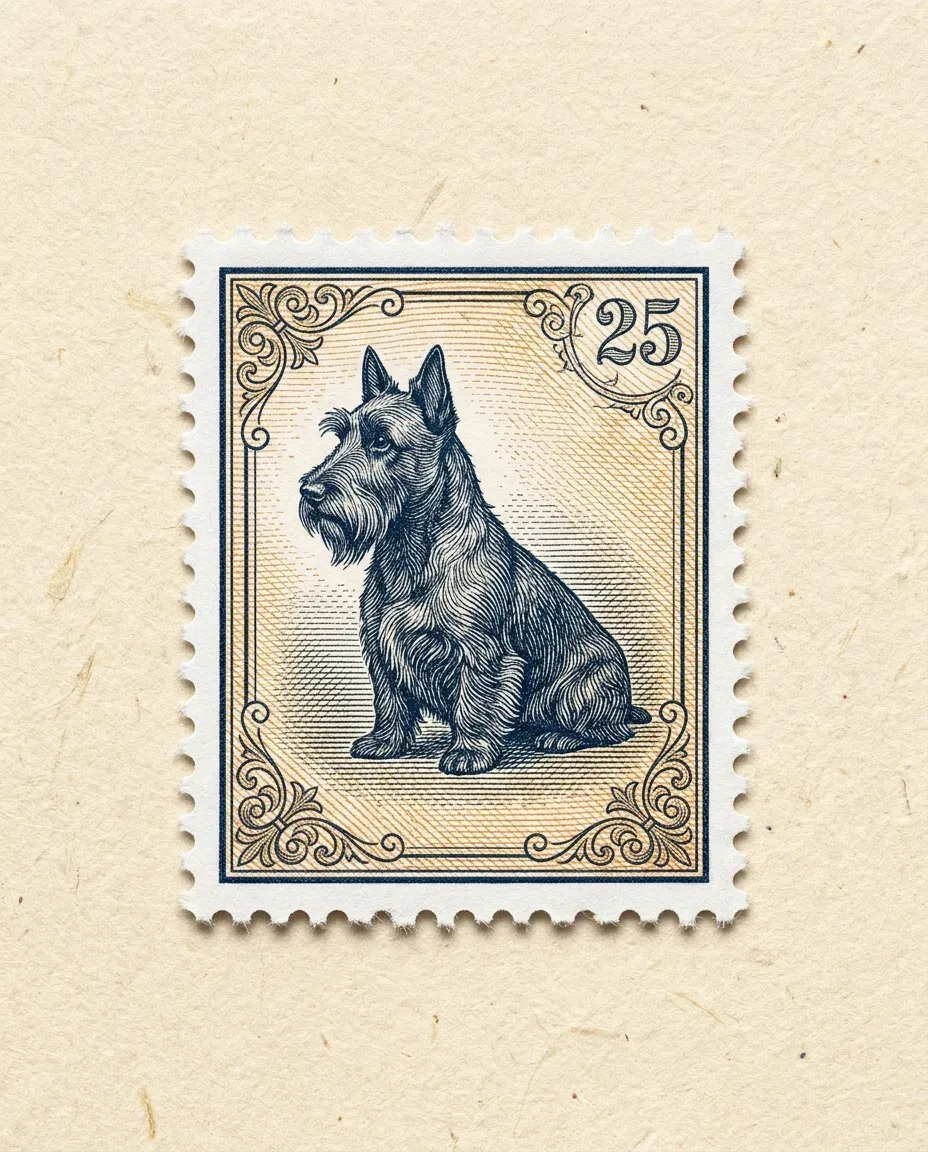
Vintage Engraved Postage Stamp Illustration From a Photo
Transforms your uploaded pet, travel landmark or portrait photo into a finely engraved vintage postage stamp with perforated edges on textured paper.
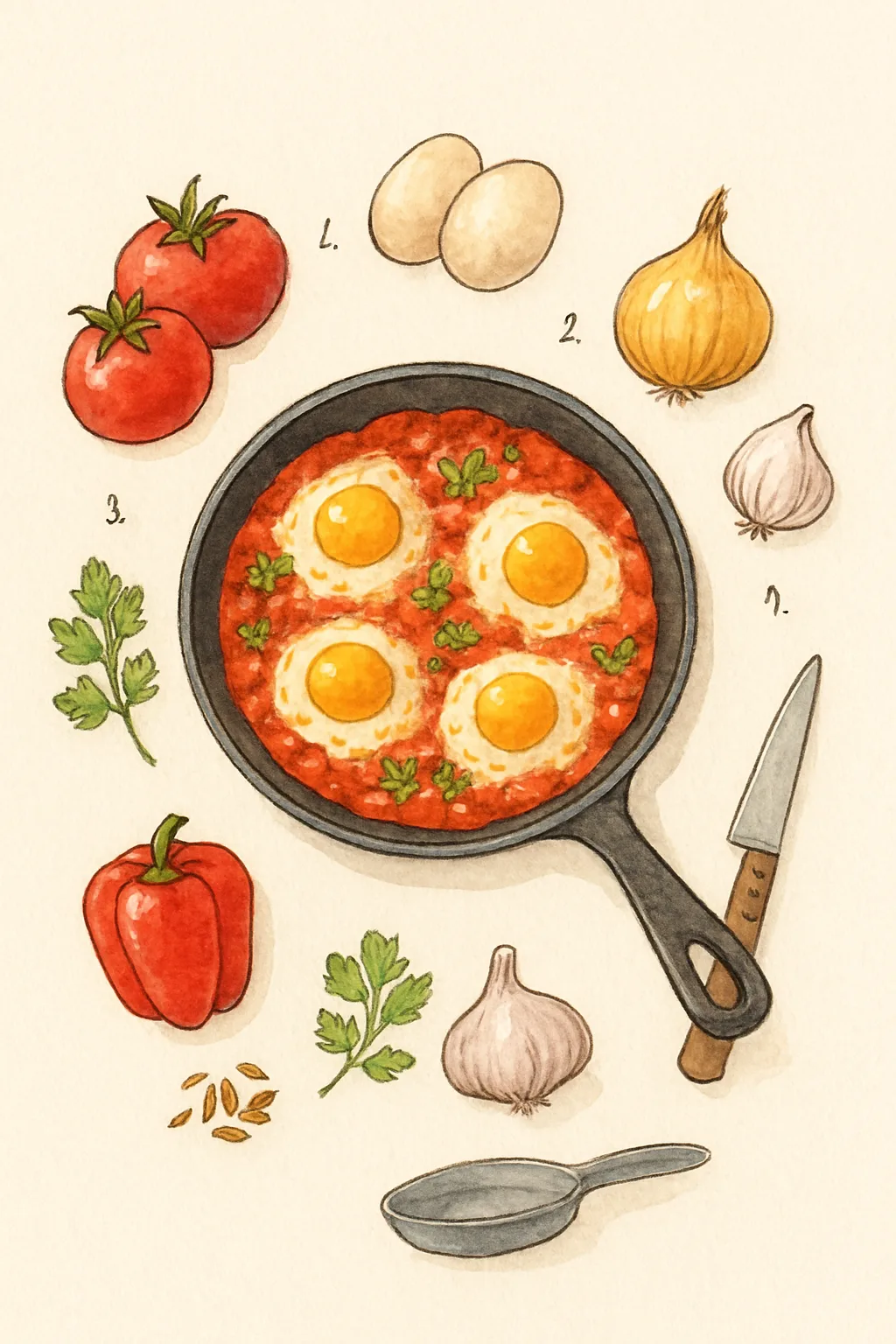
Illustrated Recipe Card With the Ingredients Laid Out
Draws a recipe as a hand-painted card with each ingredient illustrated around the finished dish, for a blog or a printed recipe box.