Remove Glare From Glasses in a Portrait Photo
Cleans distracting white screen reflections and bright glare off eyeglasses while keeping the person's real eyes, frames and background intact.

The prompt
Use the uploaded portrait photo. Remove all bright glare, screen reflections, window reflections and light haze from the lenses of the person's eyeglasses so both eyes, pupils, eyelashes and natural eye colour are completely clear and crisp behind the glass. Keep the exact eyeglass frames, lens shape, subtle realistic glass edge thickness and the surrounding skin untouched. Match the exact lighting direction, colour temperature, grain and sharpness of the original photo. Keep the original aspect ratio.
Constraints: do not change the person's face, expression, eye shape, hair, clothing, framing or background; edit only the reflections on the lenses.Tips and common edits
Why this works
- Restricting the edit strictly to the lens reflections prevents the model from re-rendering the entire portrait and drifting the likeness.
- Keeping subtle glass edge thickness preserves the look of real lenses rather than making the frames look empty.
- Matching original film grain and colour temperature blends the repaired eyes naturally into the untouched face.
Upload a sharp portrait where your eyes are at least partly visible behind the glare. Gemini (Nano Banana 2.1) preserves exact eye shape best; ChatGPT works too. Common failure: the model slightly alters eye colour—add your real eye colour in a quick sentence if both lenses are heavily blocked.
Common edits
- If one lens is 100% white-out glare, add 'match the obscured eye to the clear visible eye's exact colour and natural catchlight.'
- Use the same tightly scoped constraint pattern to remove stray hairs across the forehead or lint on a dark jacket.
Prompt details
- By
- Prompts-GPT editors
- Published
Did this prompt work?
Keep exploring
More like this
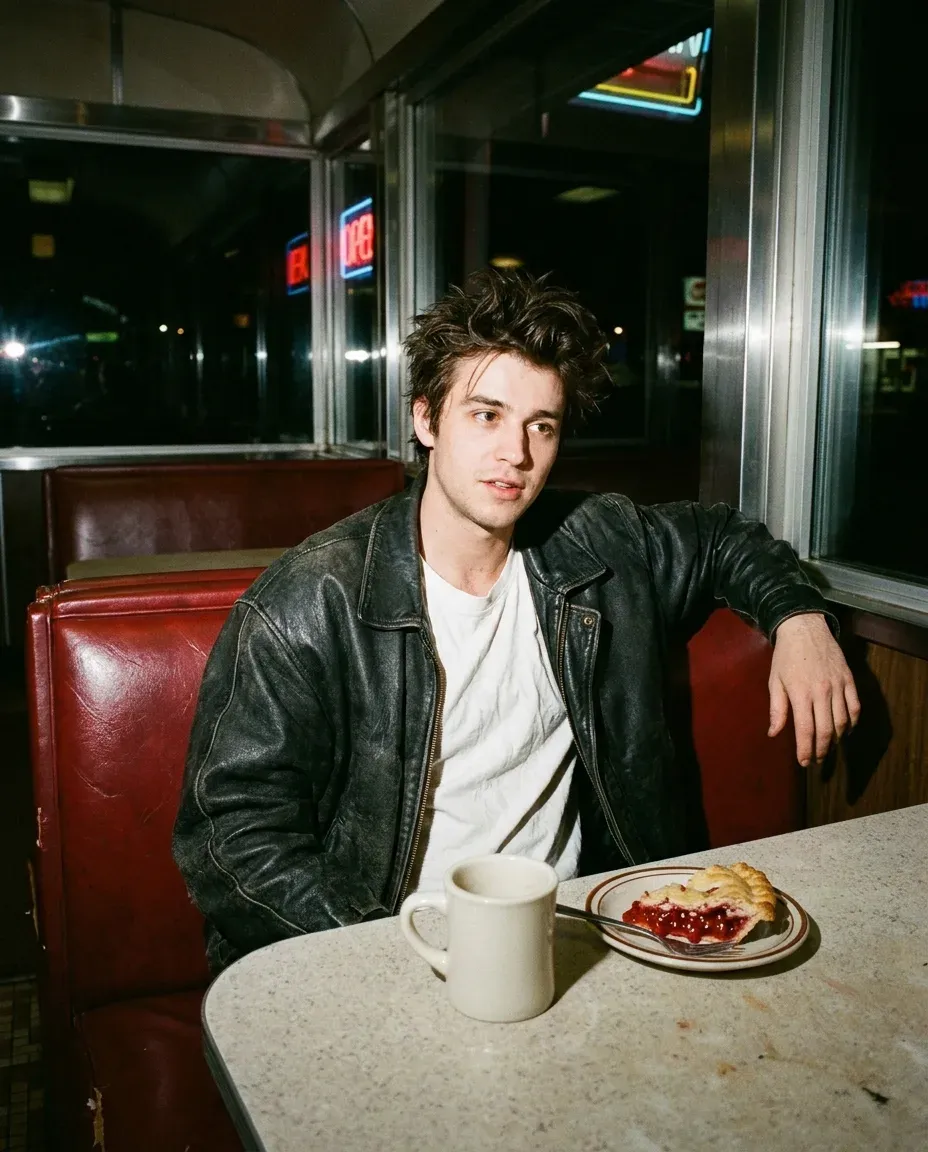
1990s Late-Night Diner Hard-Flash Portrait From Your Photo
Turns your selfie into a candid 1990s 35mm flash snapshot sitting in a vinyl diner booth at night, complete with rich film grain and natural flash shadows.
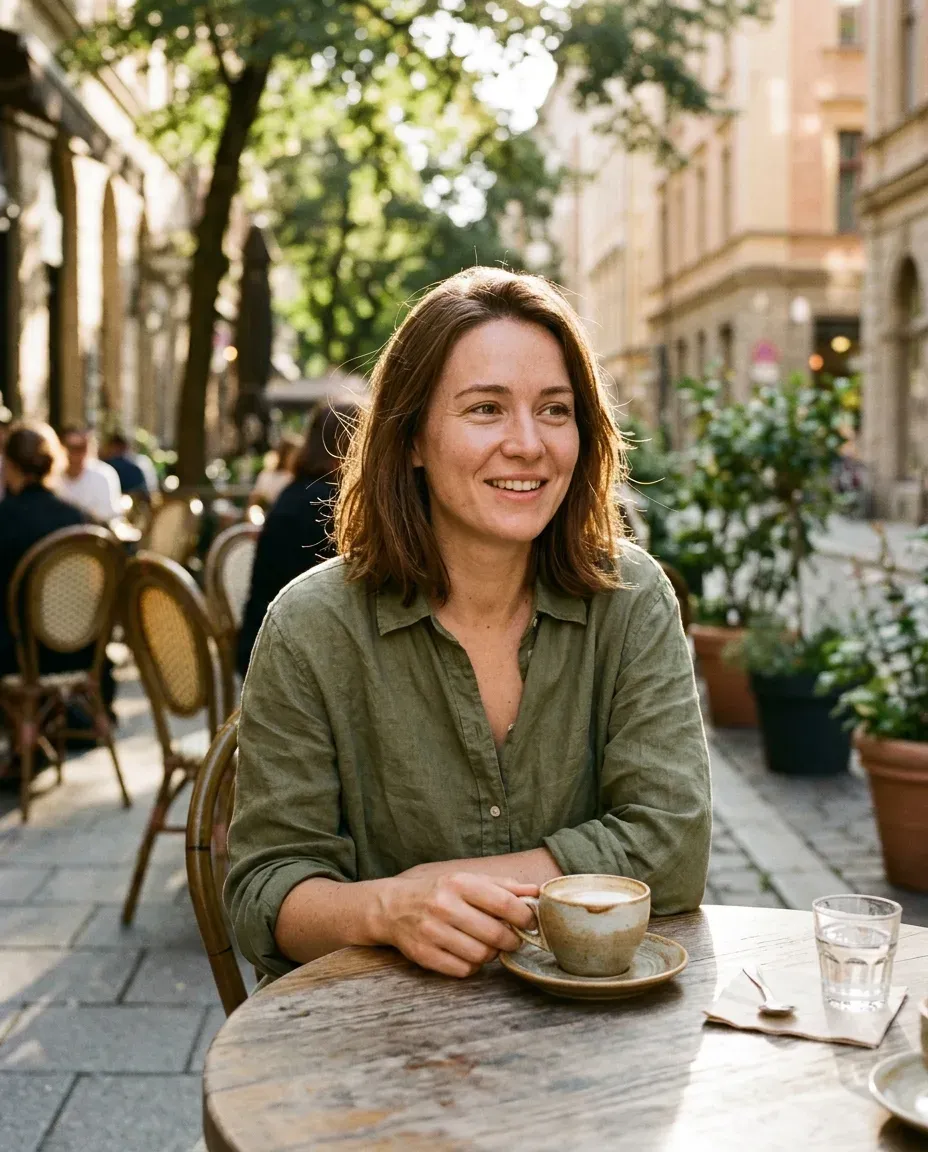
Candid Outdoor Café Portrait for a Dating Profile From a Selfie
Reimagines an indoor selfie as a relaxed, natural candid portrait at a sunlit outdoor café table that looks like a friend snapped it.
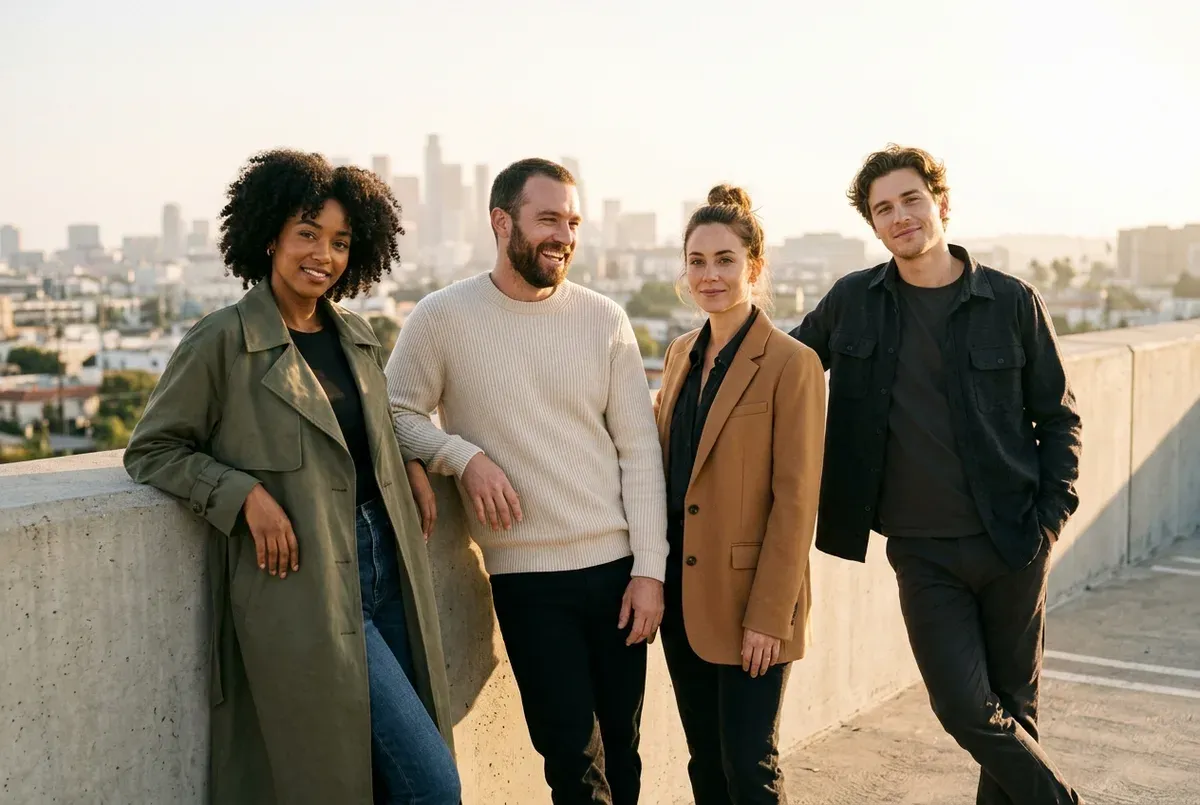
Four-Person Editorial Group Photo From Separate Portraits
Combines up to four separate uploaded portraits into one cohesive golden-hour rooftop editorial group shot while keeping every face distinct.

Passport and ID Photo From a Casual Selfie
Turns a casual front-facing selfie into a clean, evenly lit ID-style portrait on a plain off-white background with neutral shoulders-up framing.
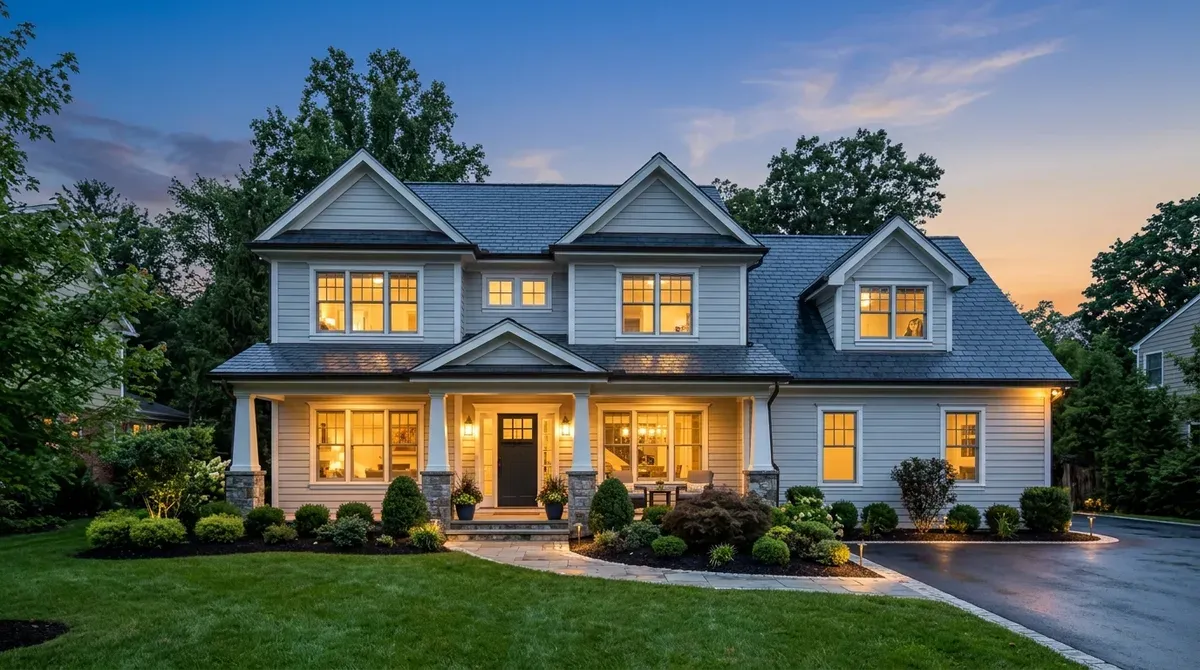
Turn a Daytime House Photo Into a Twilight Real-Estate Shot
Converts a flat midday exterior house photo into a dramatic blue-hour twilight listing shot with warm glowing interior windows.
Turn Any Photo Into a Printable Colouring Book Page
Converts a pet, house, family or vehicle photo into crisp black-and-white colouring book line art with clean open spaces ready to print.